
- No credits
- No cloud
- No meter anxiety
- BYOK
Watch a website become a dataset.
Scrape a page, crawl the rest of the site, extract a schema with your own key, set a watch, then query it from Cursor. All on one desktop, none of it through our servers.
Scraping shouldn’t run on a meter.
Cloud scraping APIs
- Credits burn on JS-heavy pages
- Your data transits their servers
- Developer-only APIs
data path · 4 hops · 2 through their servers
- you
- their cloudmetered
- the site
- their cloudmetered
- you
- Flat $49 a month, unmetered
- Your data stays on your machine
- GUI, CLI and MCP — pick your surface
data path · 2 hops · nothing in between
- your machine
- the site
- your machine
Five engines. One flat price.
Everything runs locally. Extraction and research call the LLM you choose, with your own key.
Scrape
Any page → clean markdown, JSON, or a screenshot
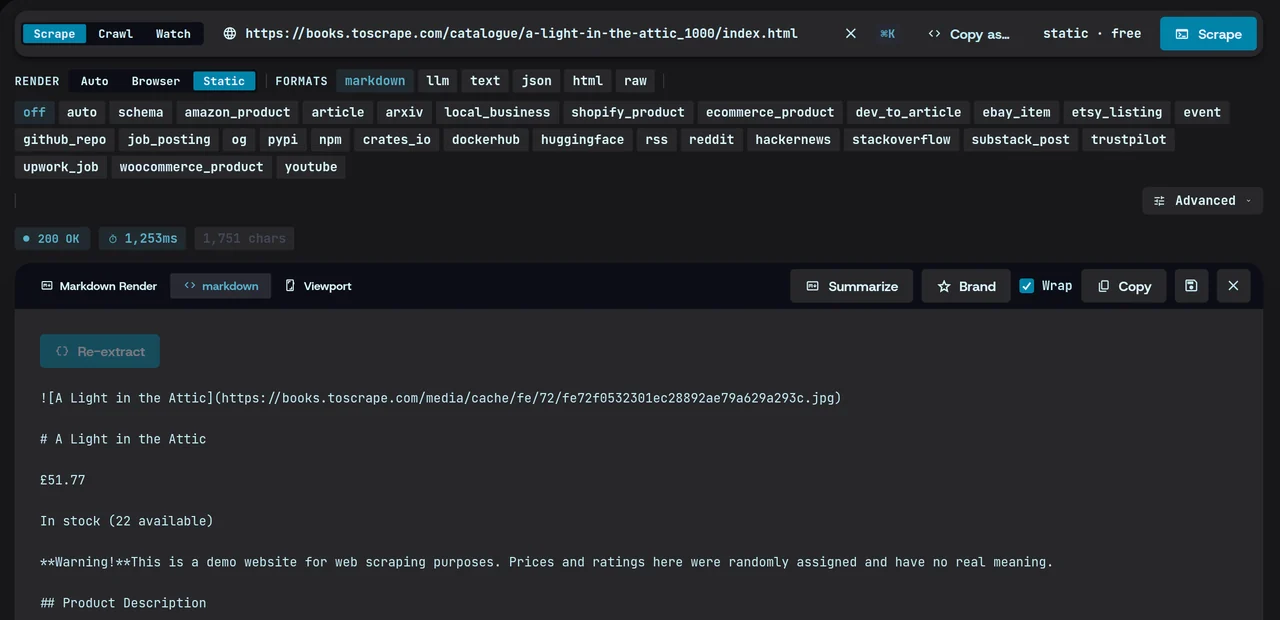
No header, no breadcrumbs Crawl
Whole sites, with live progress
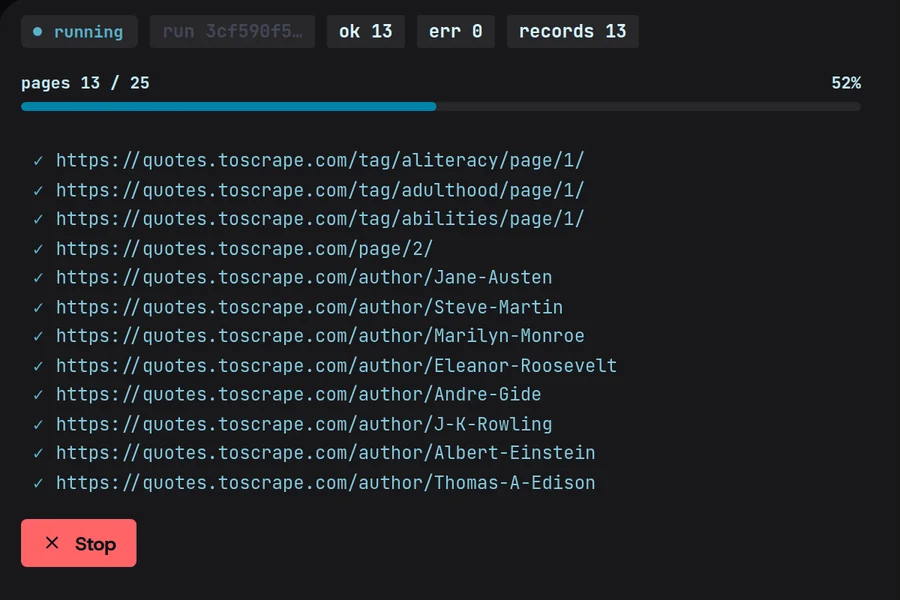
Extract
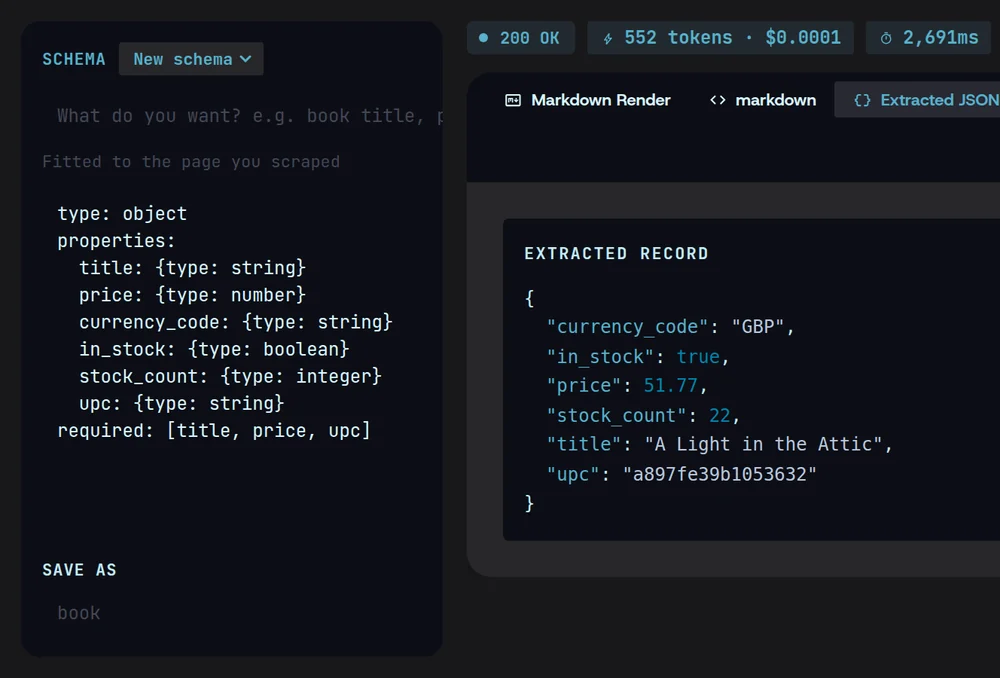
Schema-guided structured JSON with your own LLM keys
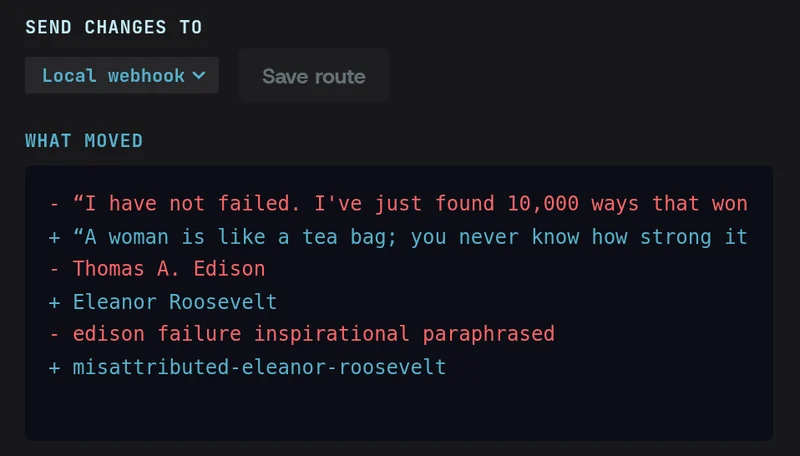
Monitor
Watch pages, get diffs, fire webhooks on change
Research
Multi-source reports, compiled for you
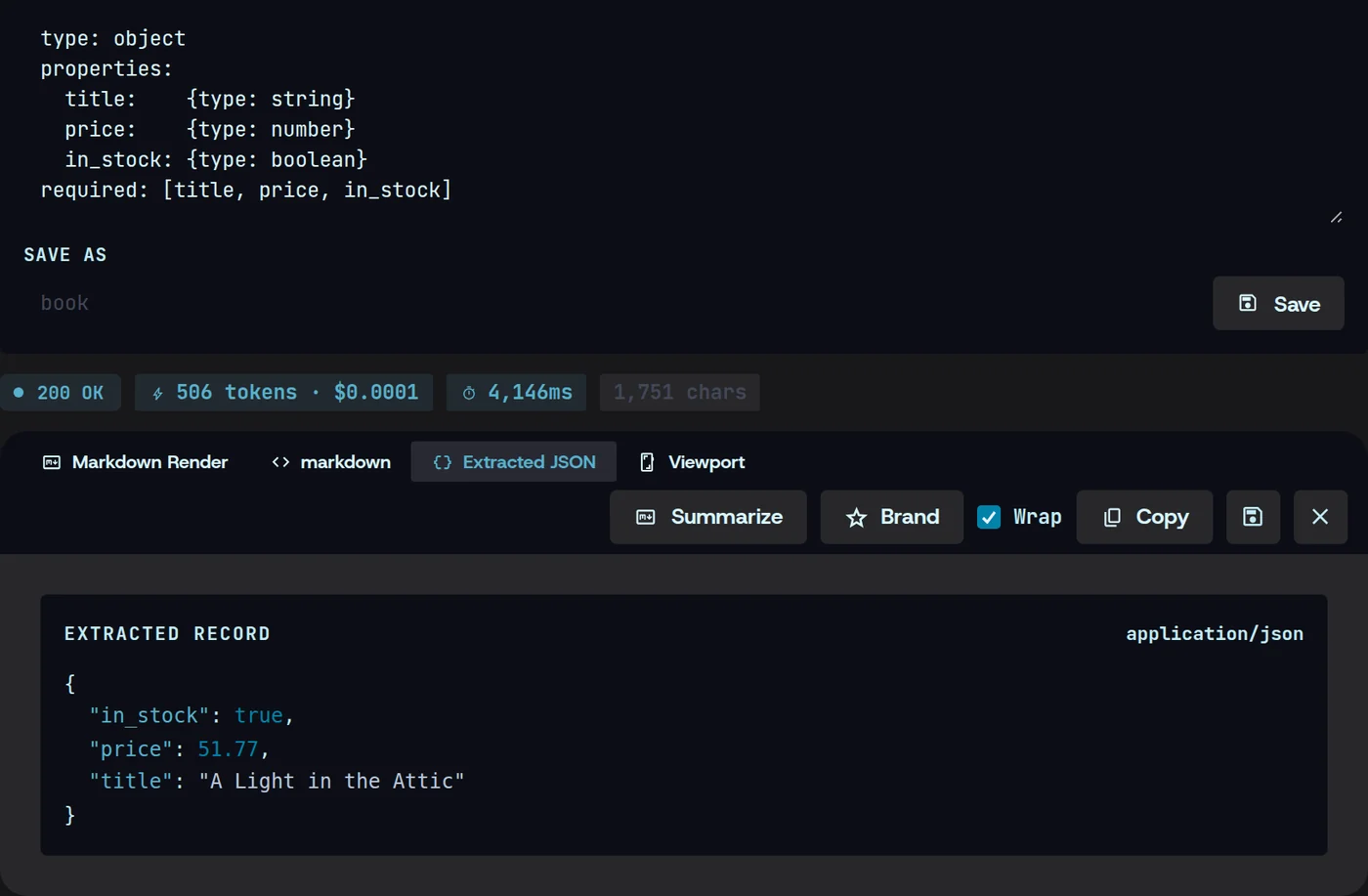
Structured extraction, your schema
Paste a schema or let Magpie infer one; get typed JSON every time.
type: object
properties:
  title:    {type: string}
  price:    {type: number}
  in_stock: {type: boolean}
required: [title, price, in_stock]
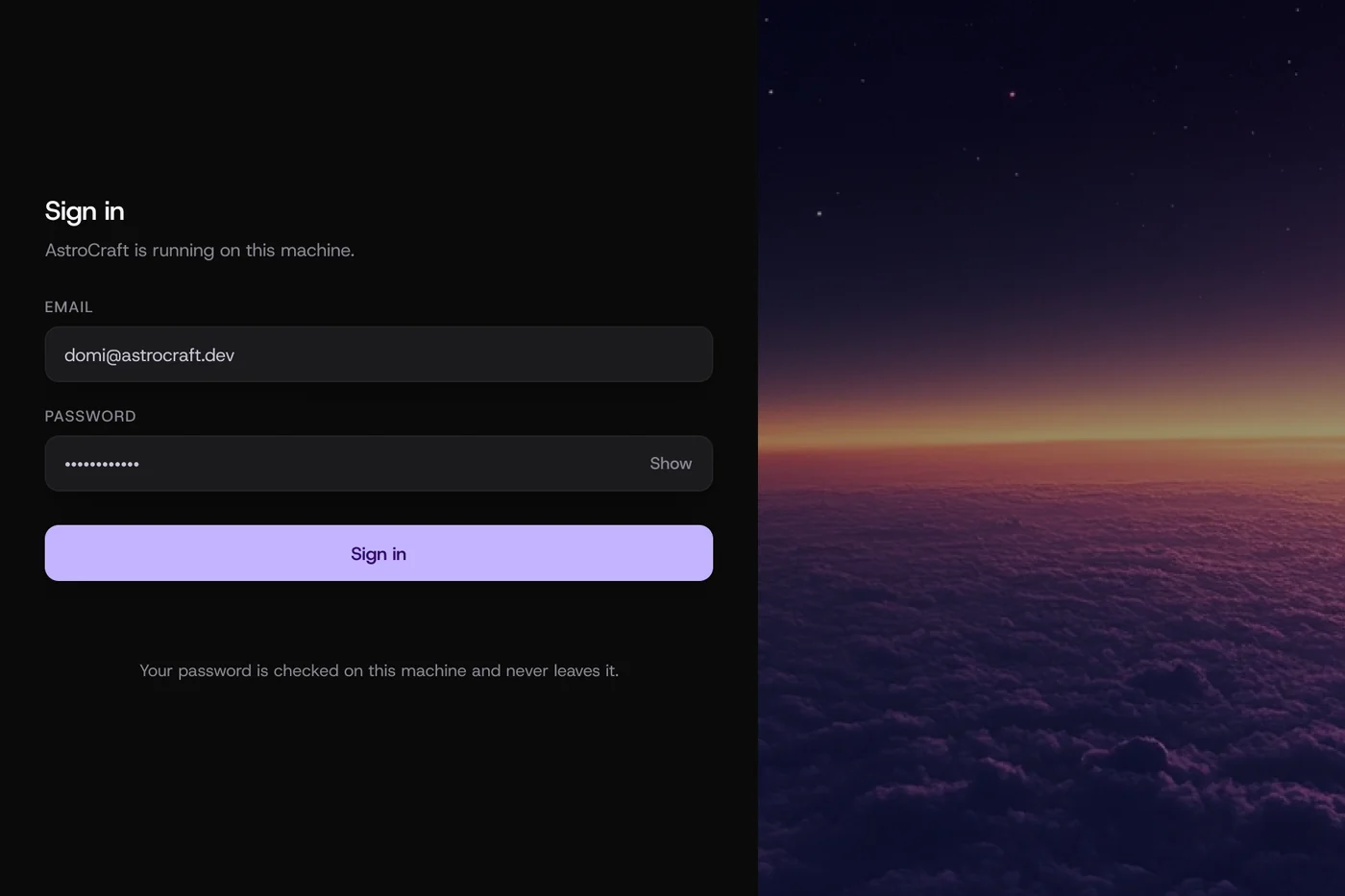
Scrape behind logins
Capture a browser session once; reuse it for authenticated pages.
log in once  →  session saved locally
             →  scrape behind the login
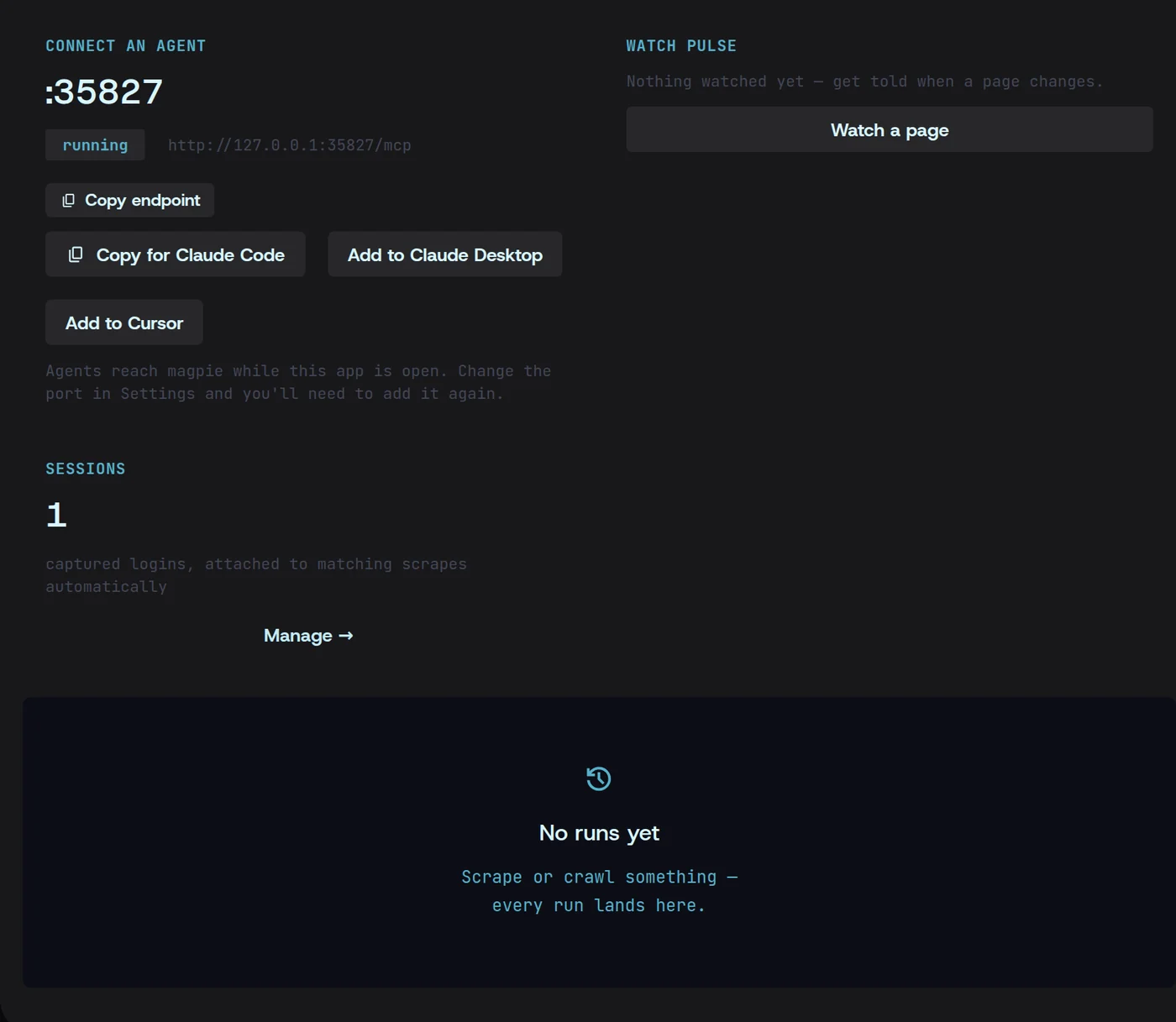
Built-in MCP server
Your AI agents use the Magpie on your machine. Cursor, Claude, any MCP client. Your keys never leave the box.
- Cursor
- Claude
- any MCP client

From install to data in three steps.
- 01
Install
Download the desktop app for Windows, macOS or Linux.

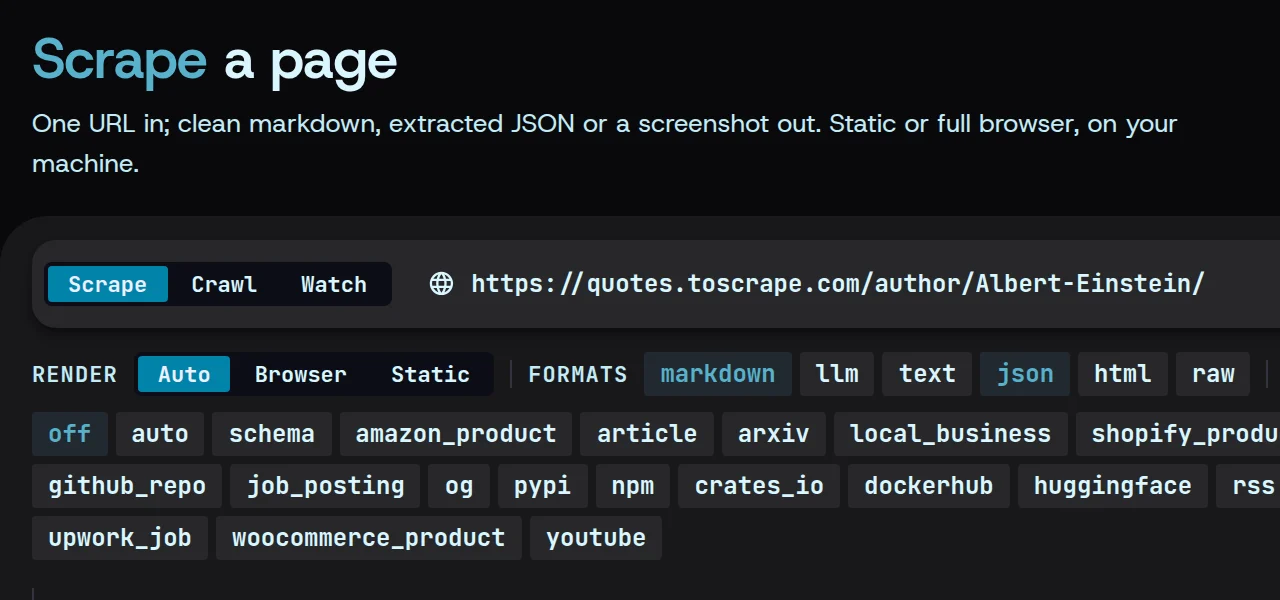
- 02
Point at a URL
Paste a URL and pick an engine — scrape, crawl, extract, monitor or research.

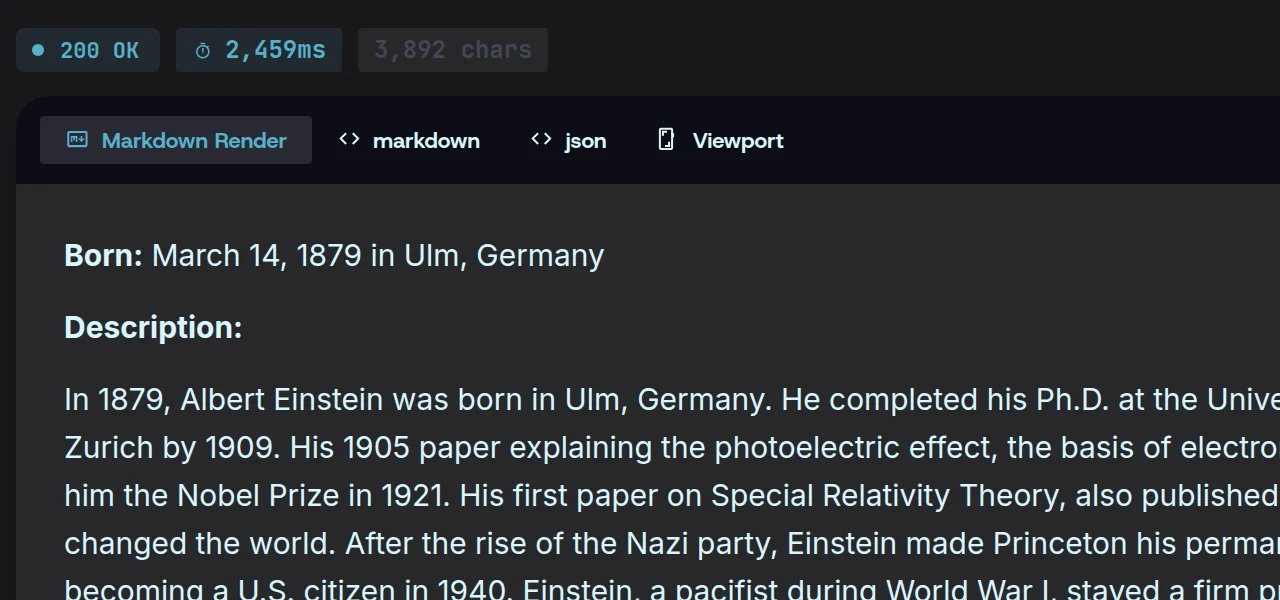
- 03
Get data
Clean markdown, JSON or a screenshot, saved to a local cache you own.
Prefer a terminal?
magpie scrape https://example.com
Magpie vs cloud scraping APIs.
| Magpie$49/mo, everything | Cloud scraping APIsmetered | |
|---|---|---|
| Credits needed | No | Yes |
| Data path | Your machine | Their cloud |
| LLM keys | Yours, local | Bundled |
| GUI | Yes | No |
| CLI + MCP | Yes | API only |
| Price | Flat $49 | Metered credits |
What people point it at.
Lead enrichment
Turn company websites into clean records for your CRM.
Price & competitor monitoring
Watch pricing pages and get a diff the moment they change.
AI/RAG pipelines
Feed agents and vector stores clean markdown, not raw HTML.
Market & SEO research
Crawl a market’s sites and compile what they say into one report.
Content gathering
Collect articles, docs and listings into one consistent format.
Internal tools
Pipe structured page data into your own scripts over the CLI or MCP.
The privacy story the cloud can’t tell.
Magpie runs where your data already is. There is no Magpie server in the path to trust, breach or subpoena.
Data never touches our servers
Requests go from your machine to the site and back. We are not in the path.
you → shop.example.com → youmagpie servers: 0 hops
SSRF guard
Requests to internal-network addresses are blocked, so a page can’t turn Magpie on your LAN.
GET 192.168.1.1/adminblocked · internal address
A local cache you own
Results live on your disk, in a cache you can read, move or delete.
~/.local/share/magpie/cache.dbowner: you
Every LLM call, visible
Each call to your model provider shows up in history. Nothing happens off the record.
extract · 552 tokens$0.0001 · logged
Questions, answered.
More in the docsIs it really unmetered?
Yes. $49 a month covers every engine with no page, credit or request limits. AI features call your own LLM provider, billed by them at their rates.
Do you see my data?
No. Scraping, crawling and extraction run on your machine, and results stay in a local cache you own. Nothing you scrape passes through our servers.
Where do my API keys go?
Nowhere but your machine. Keys are stored locally and sent only to the LLM provider you chose — and every call is visible in your history.
Which OS?
Windows, macOS and Linux.
Do I need to code?
No. Everything works from the desktop app. The CLI and the MCP server are there when you want them.
Refund policy?
It's set out in the refund policy.