
The old way vs Magpie
Thirty companies a day, or three thousand.
The old way
- Open each site, copy the pitch, the headcount, the address. Forty tabs later you have done thirty companies.
- The scraping tool charges per record, so the bigger the list, the bigger the bill.
- Every vendor wants your list uploaded to their cloud before it will do anything.
- The sheet is already out of date by the time you finish filling it.
With Magpie
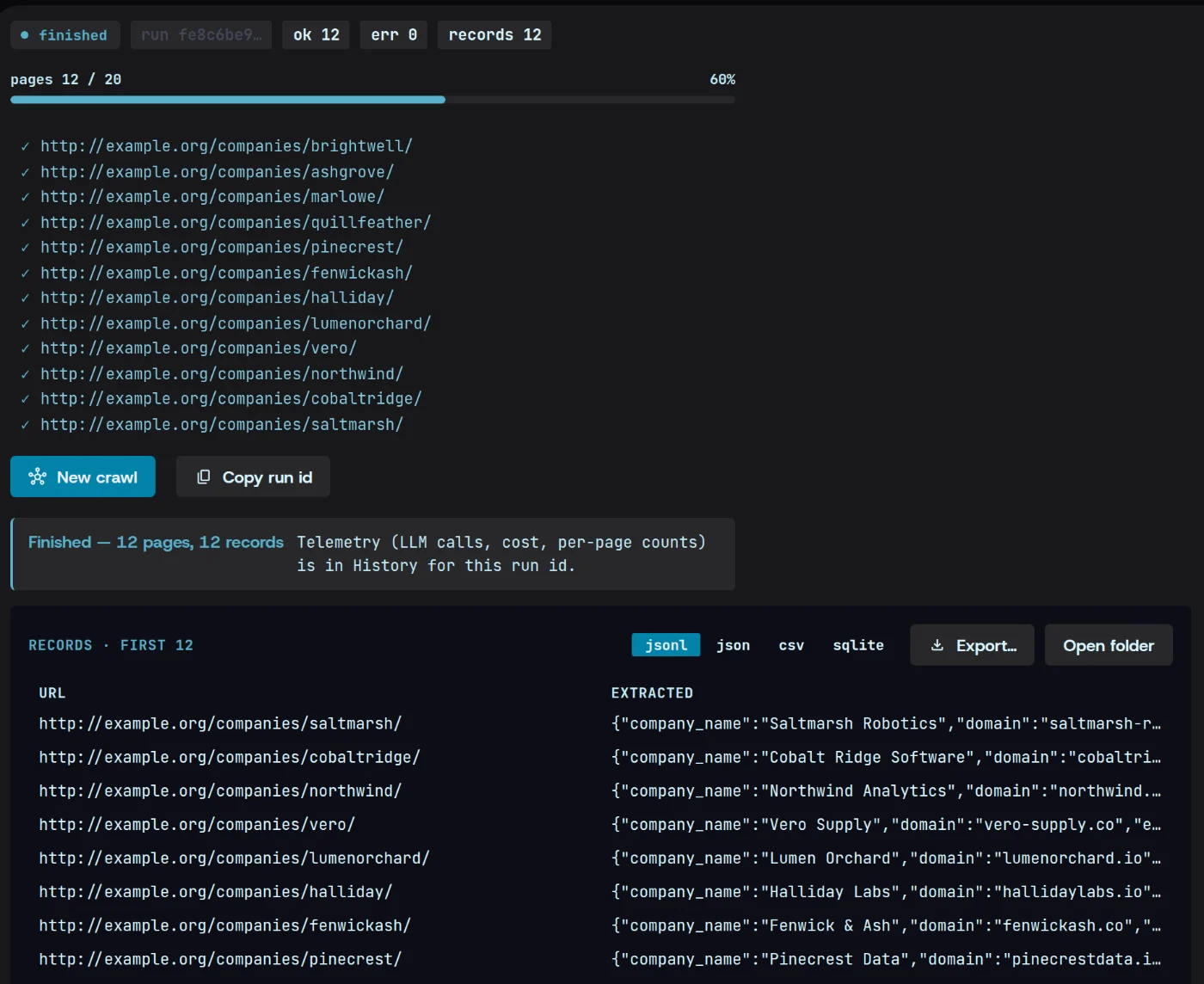
- Point Magpie at a directory and it opens every company page and fills the same columns for each one.
- A flat $49 a month. One thousand companies or one hundred thousand, same price.
- Nothing goes through our servers. Magpie reads the sites from your own machine.
- Run the same crawl again whenever you like and get a fresh sheet in minutes.
How it works
From a directory to a filled sheet.
01Extract
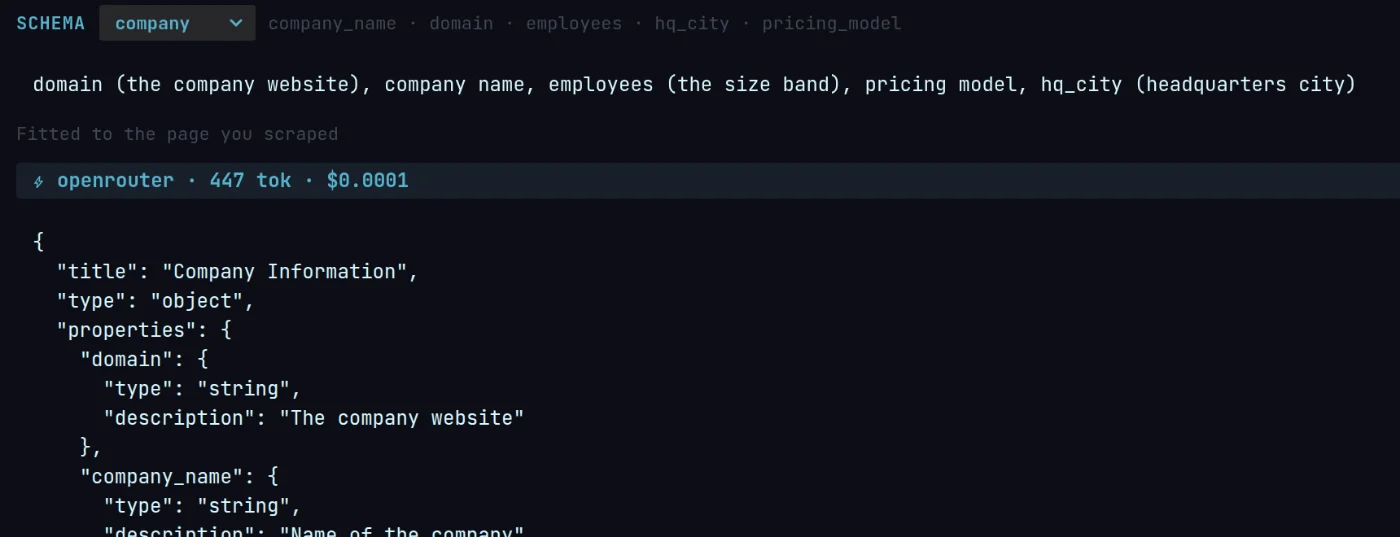
Say what goes in each column
Describe the fields in plain words — company size, pricing model, head office — and Magpie drafts the schema from a page you scraped.
02Crawl
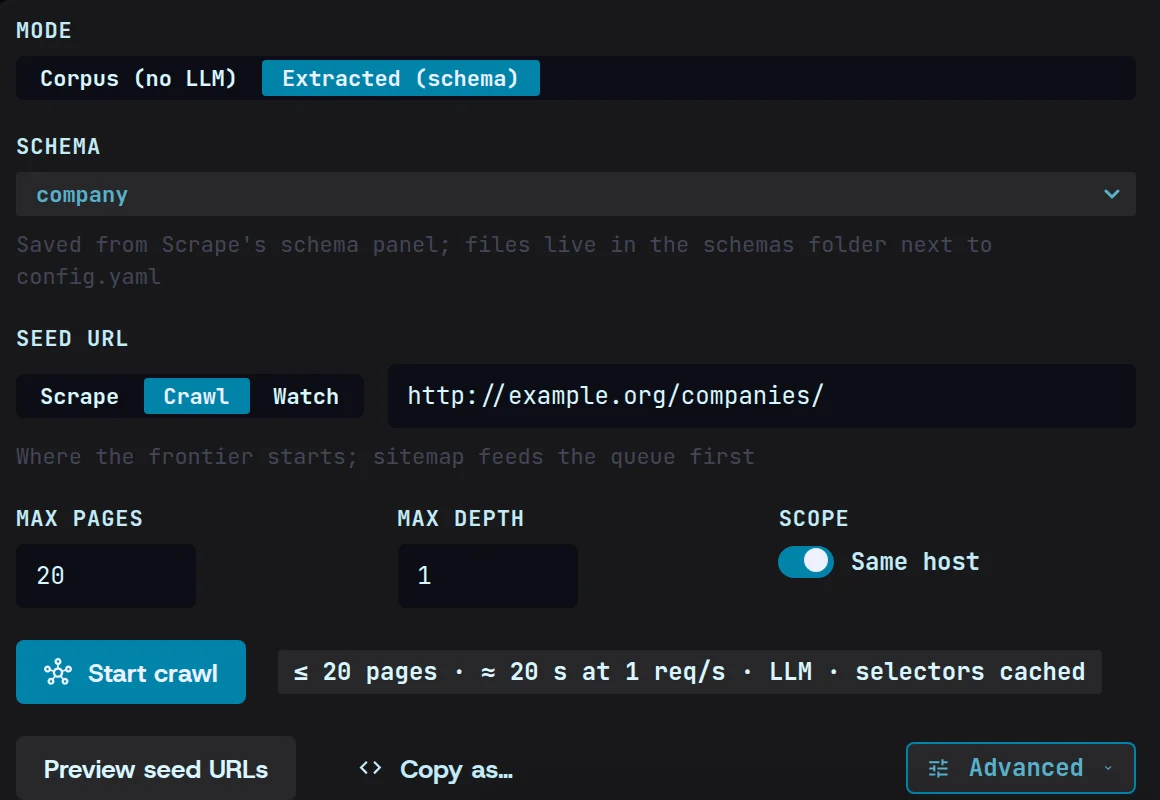
Point it at the sites
Start from a directory of companies, or one company’s site, and narrow it to the pages worth reading — profiles, about, pricing, contact.
03Export
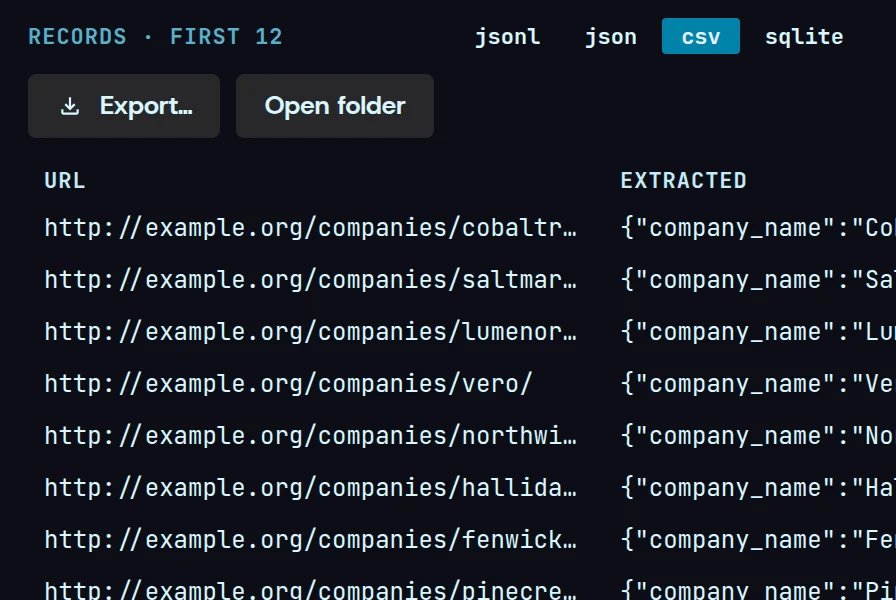
Send it to your CRM
Download a spreadsheet, or hand each row to a program of your own the moment it lands.
What you get
What lands in your folder
A normal spreadsheet. It opens in Excel, Numbers or Google Sheets like any other file.
| domain | company_name | employees | pricing_model | hq_city |
|---|---|---|---|---|
| northwind.io | Northwind Analytics | 51–200 | per-seat | Bristol |
| hallidaylabs.io | Halliday Labs | 11–50 | usage | Tallinn |
| vero-supply.co | Vero Supply | 201–500 | quote | Rotterdam |
- domain
- northwind.io
- company_name
- Northwind Analytics
- employees
- 51–200
- pricing_model
- per-seat
- hq_city
- Bristol
12 rows in the file
Questions
Lead enrichment, answered.
Do I need to know how to code?
No. You describe the columns you want in plain English and Magpie drafts the schema that fills them. The result is a spreadsheet that opens like any other.
What does a list of 10,000 companies cost?
$49 for the month, the same as a list of ten. Magpie never charges per record, because the work runs on your computer rather than ours. Filling the columns calls the model on your own key, and only until Magpie has learned a site’s layout — after that its pages extract free.
Will the sites know it is me?
Magpie reads pages from your own machine and your own connection, at a pace you set. You can also sign in to a site first and keep that session for the run.