
The old way vs Magpie
Boilerplate in, or the actual page in.
The old way
- Raw pages arrive full of menus, cookie notices and footers, and the assistant quotes the cookie notice.
- Every hosted scraping service wants your pages and your prompts routed through its servers.
- You pay per page to the scraper and per token to the model, and neither bill is predictable.
- Refreshing what the assistant knows means re-running a pipeline nobody wants to own.
With Magpie
- Magpie strips the furniture and hands over the words that were actually on the page.
- It all runs on your machine, and the model is yours, on your own key. No middleman sees the pages or the prompts.
- The collecting is a flat $49 a month. The model is your own key, billed at cost by whoever you chose.
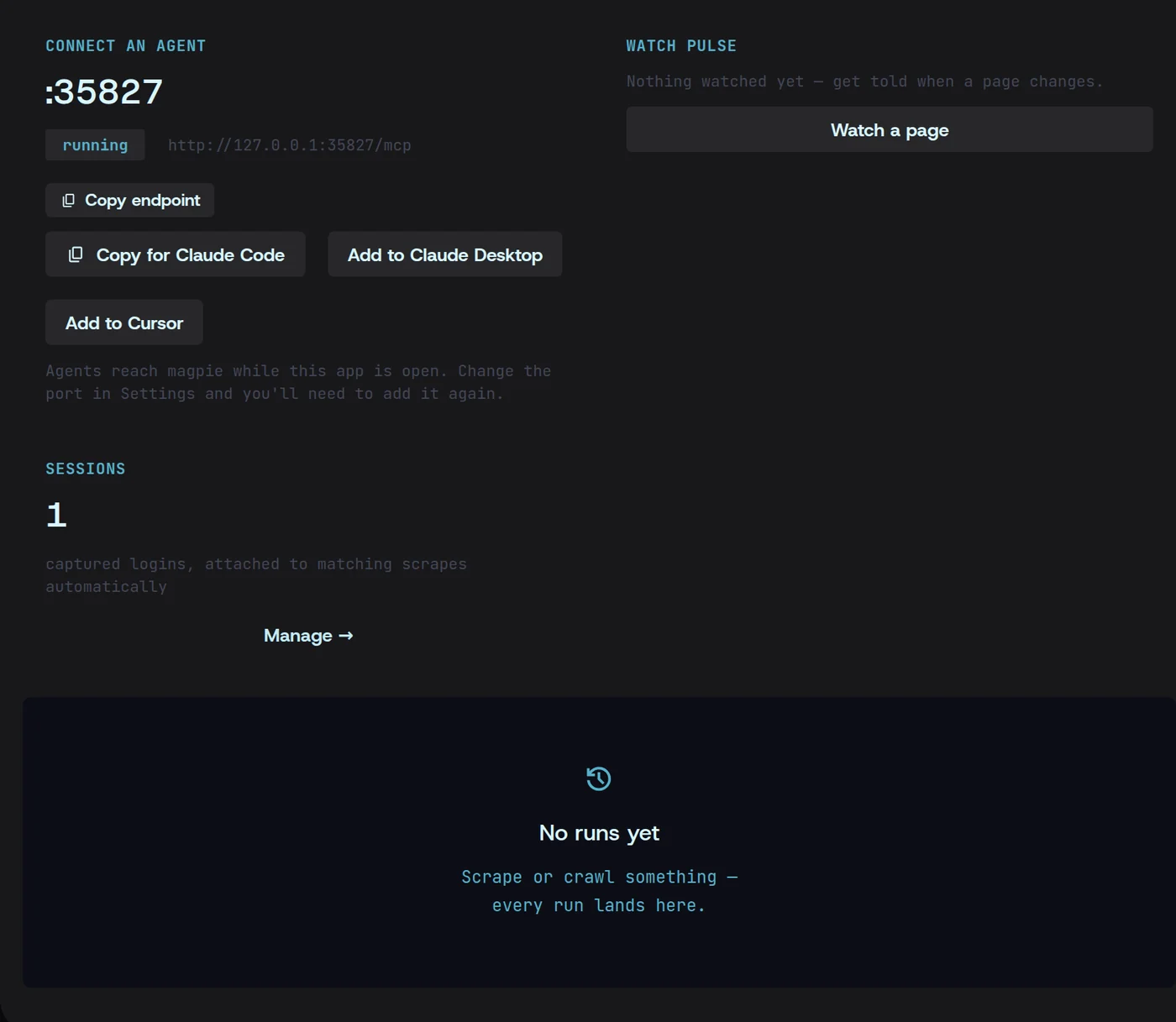
- Or skip the pipeline: over MCP, your assistant fetches the live page itself, when it needs it.
How it works
From a website to something your assistant can read.
01Crawl
Point it at the sources
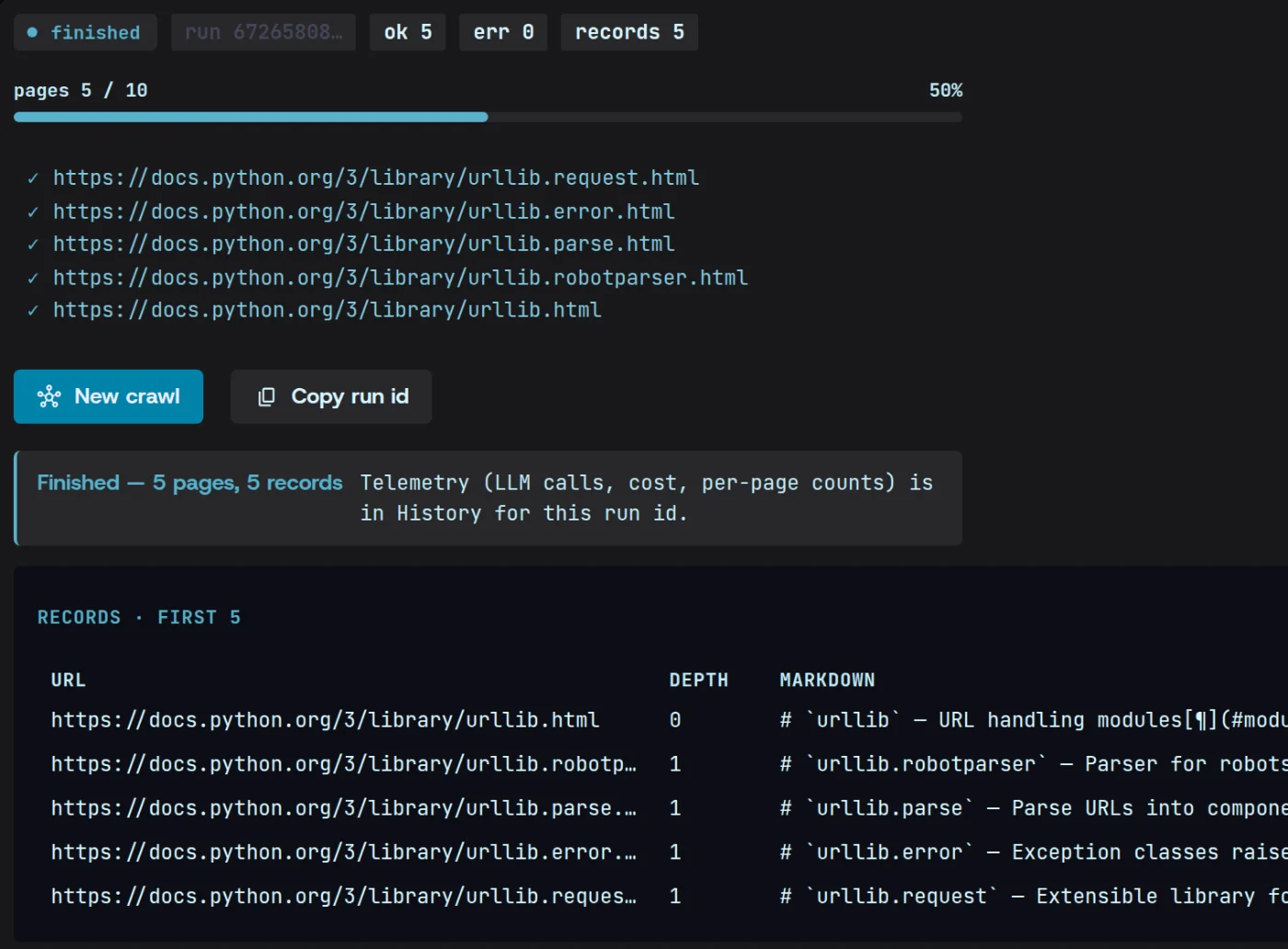
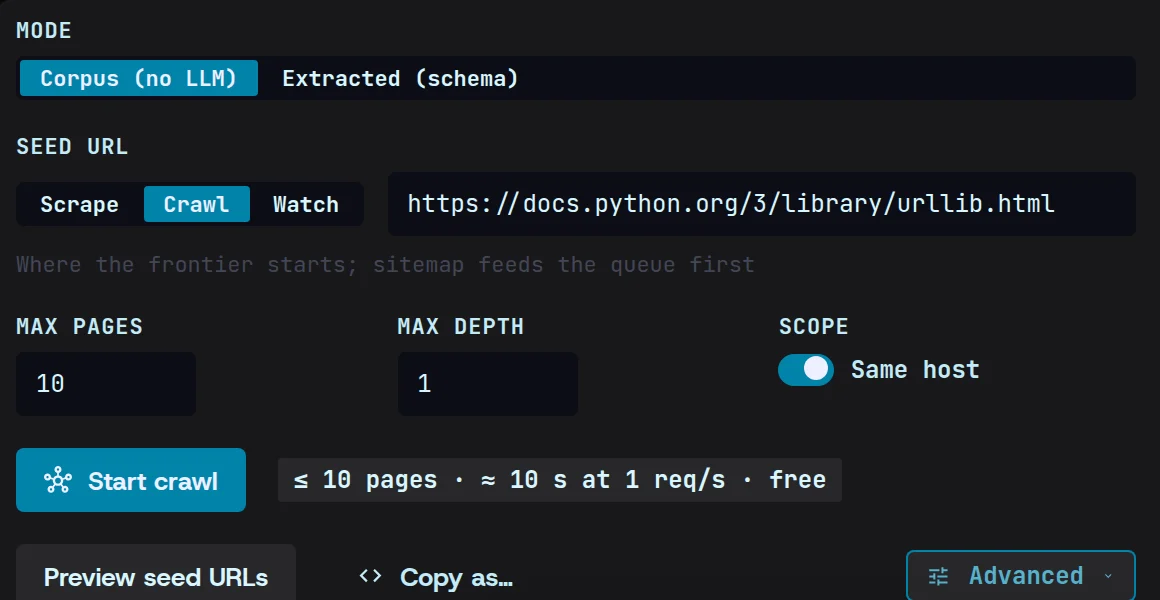
Give Magpie the site, docs or help centre your assistant should know about. A corpus crawl needs no model at all.
02Clean
Keep the words, drop the furniture
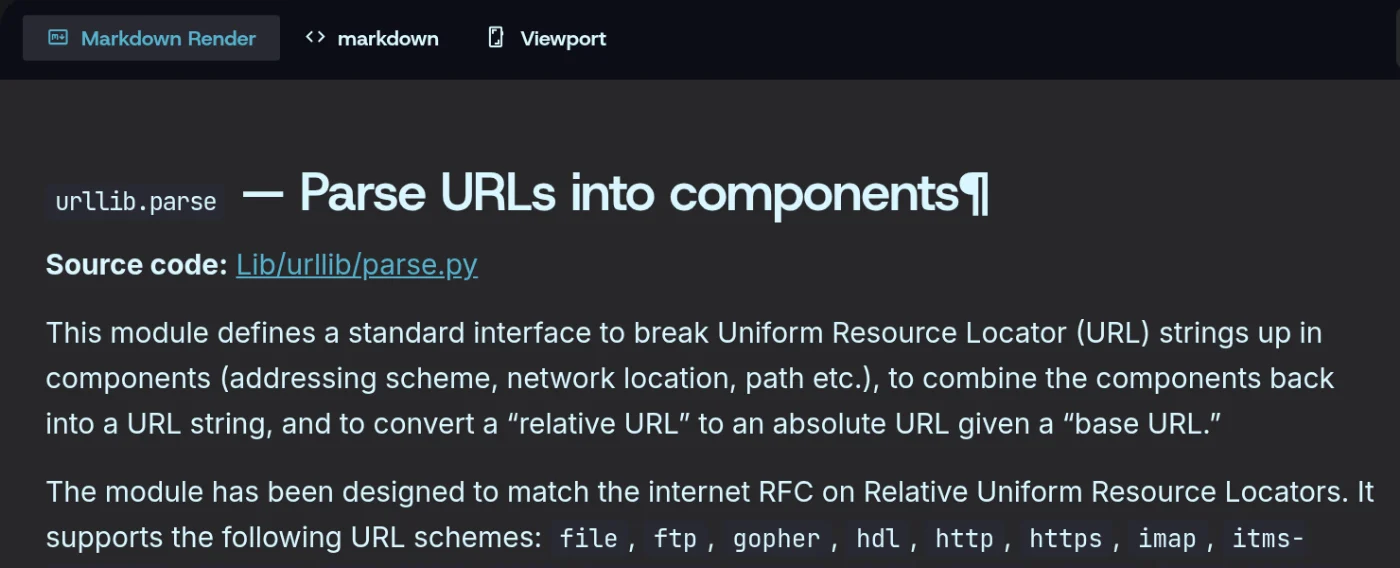
Navigation, ads and boilerplate are removed. The content and its headings stay.
03Label
Keep the source with every page
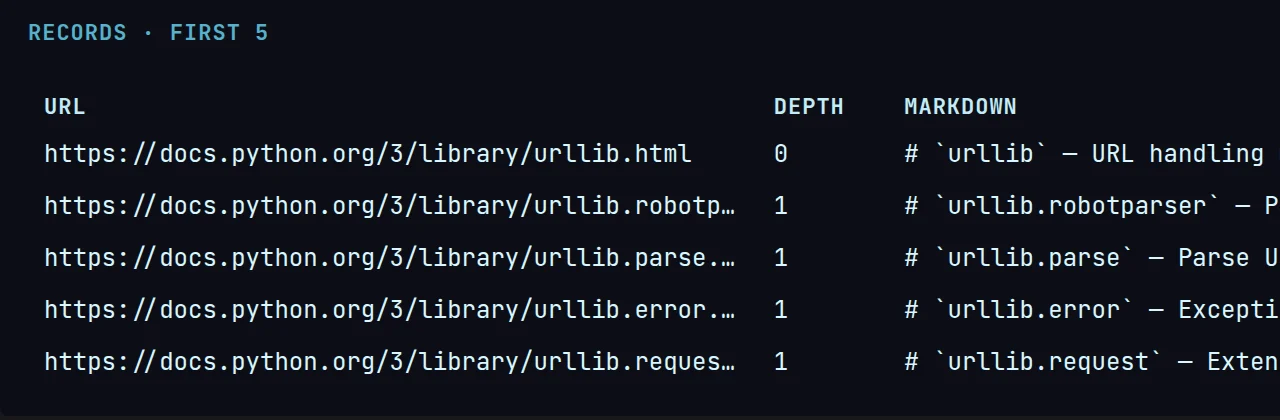
Each page becomes one record — its address, its title and its clean text — ready to split for a vector store.
04Serve
Hand it to your assistant
Export the pages as a file, or let the assistant fetch them live from the MCP server Magpie runs on your machine.
What you get
What your assistant receives
One page, with the address it came from. That is what lets an assistant show its working.
{ "url": "https://northwind.io/docs/billing", "title": "Billing — how seats are counted", "depth": 1, "markdown": "# Billing — how seats are counted\n\nA seat is counted once per person per month, however many devices they sign in from."}Questions
AI & RAG pipelines, answered.
I do not know what a vector store is. Can I still use this?
Yes. Magpie gives you one file of clean pages, each labelled with its address and title. If your assistant can read files, it can read this — and if you later use a vector store, the same file is where it starts.
Do my pages or prompts go through Magpie’s servers?
No. There are no Magpie servers in the path. Pages are fetched by your computer, and the model is called with your own key, directly.
Which assistants does it work with?
Any that can read files, and any that speaks MCP — the common standard for plugging tools into assistants. Magpie runs that server locally.