
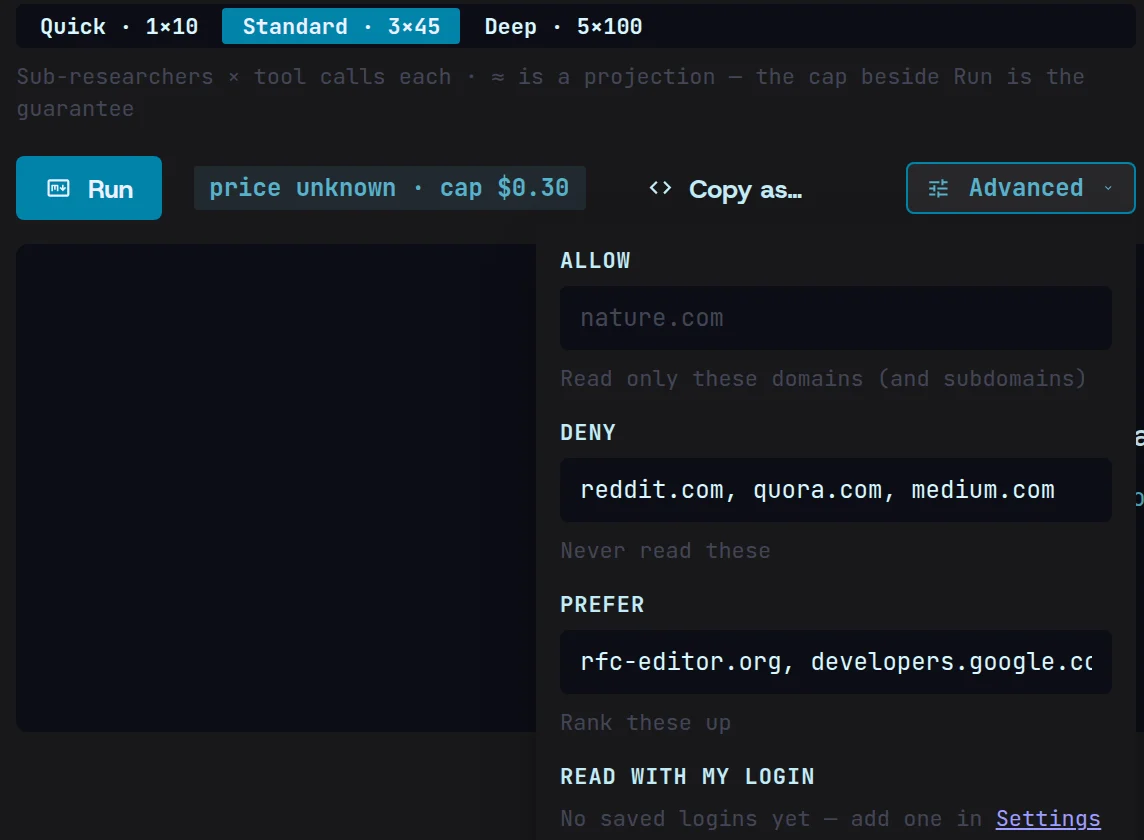
Let Magpie search, on sites you trust.
Give Magpie the question and it finds the sources itself — on the sites you allow, preferring the ones you rate, skipping the ones you don’t.
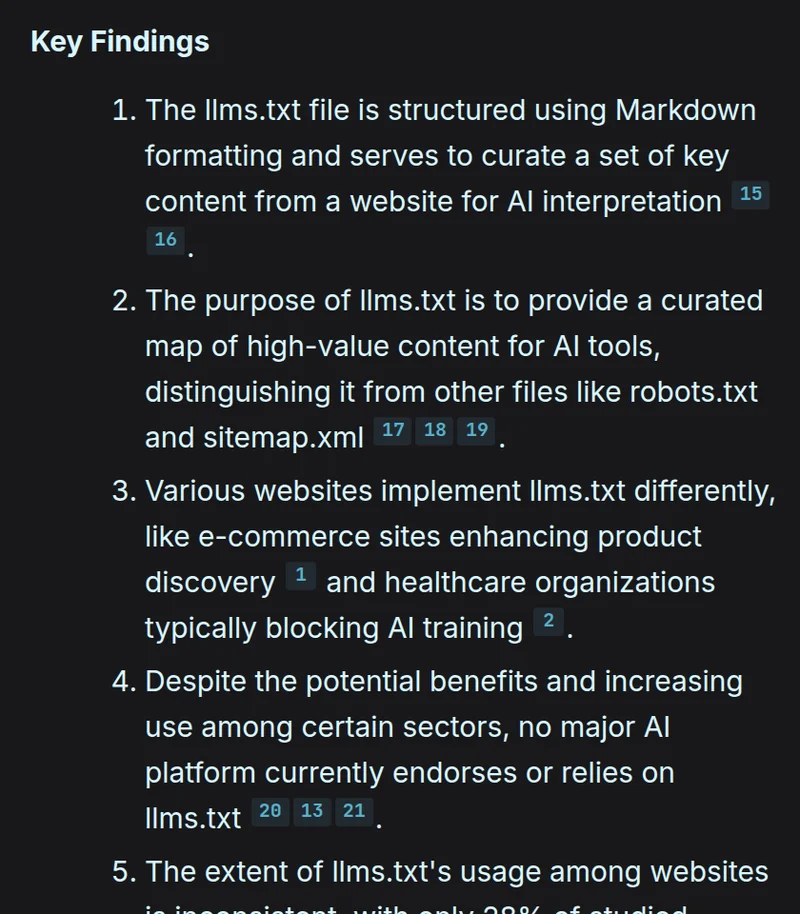
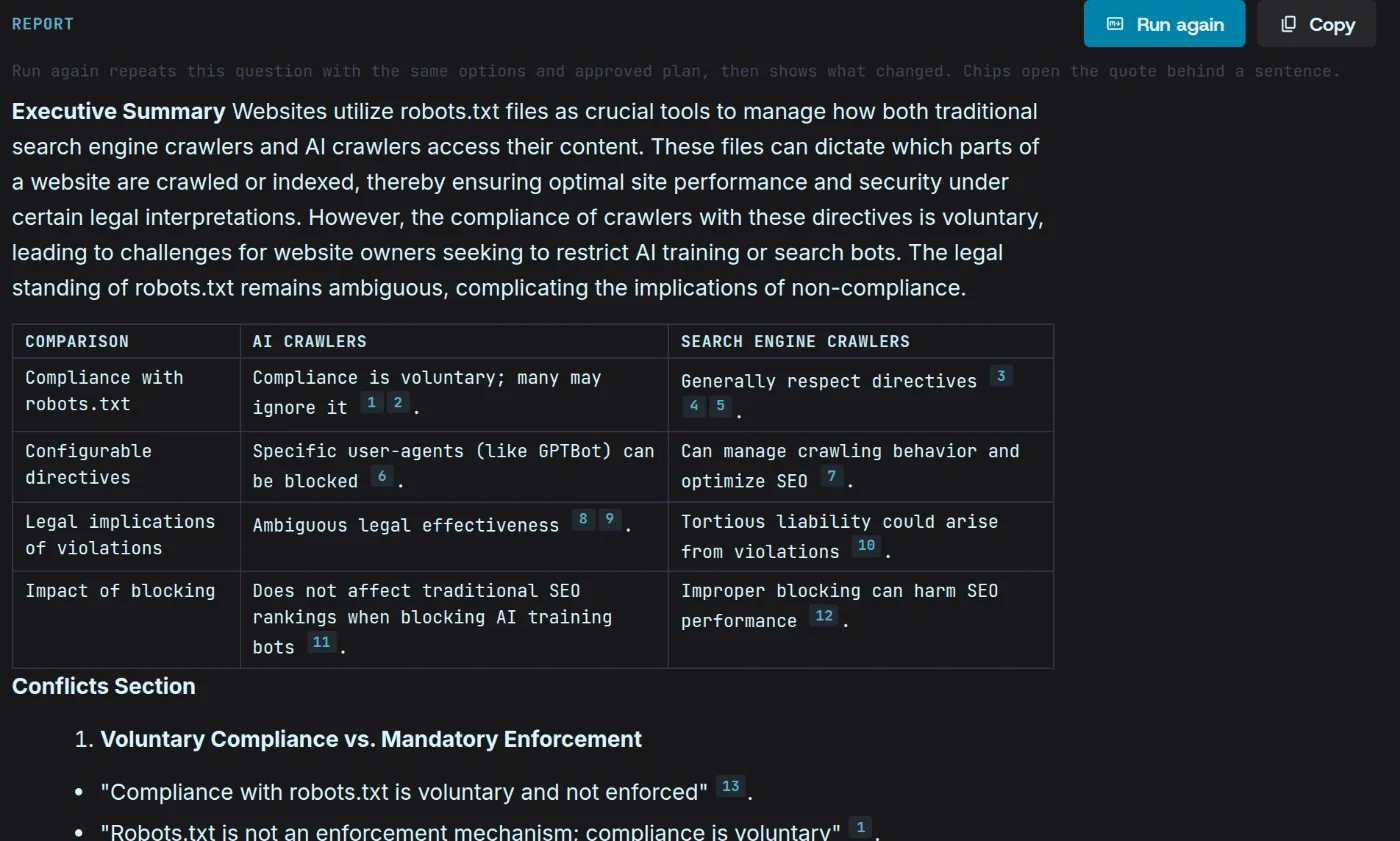
A cited, structured report.
Findings come back in sections, and every claim links to the page it came from.
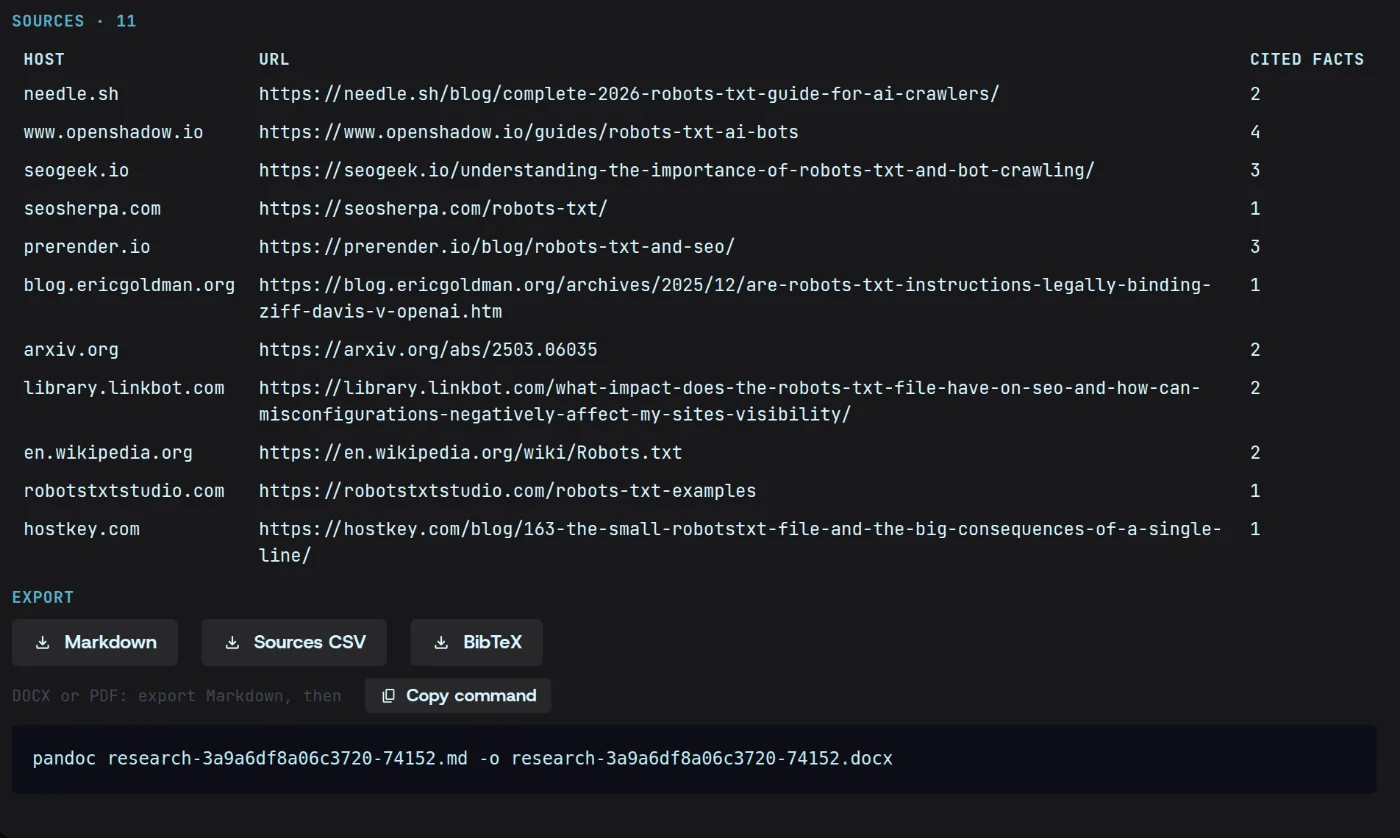
Export it anywhere.
Take the finished report into your notes, your docs or your pipeline. It’s yours, on your machine.
Compile a report in three steps.
- 01
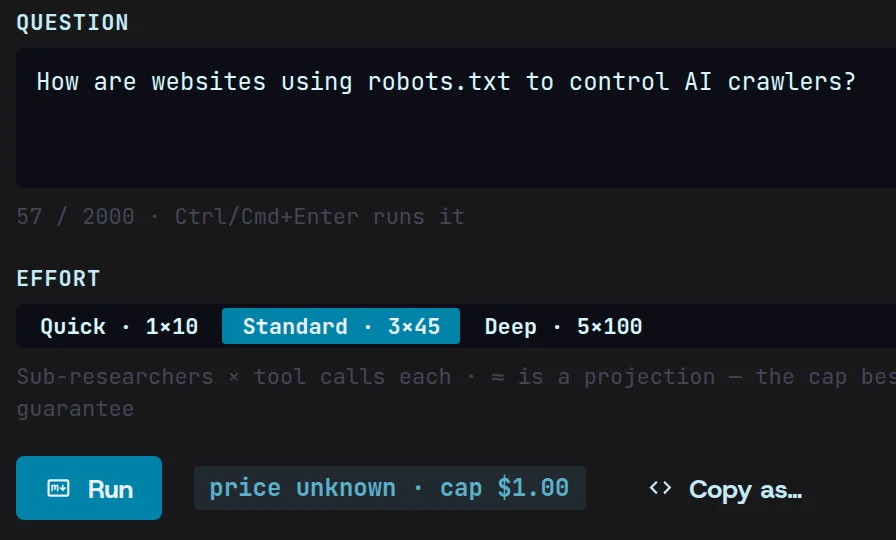
Ask the question
Write what you want to know, the way you’d brief a colleague.
- 02
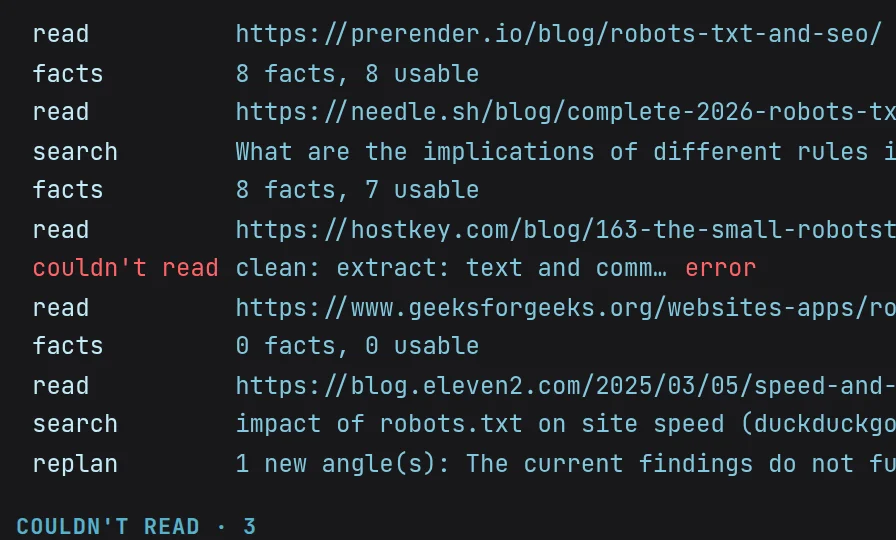
Choose the sources
Let Magpie search, and tell it which sites to allow, prefer or skip.
- 03
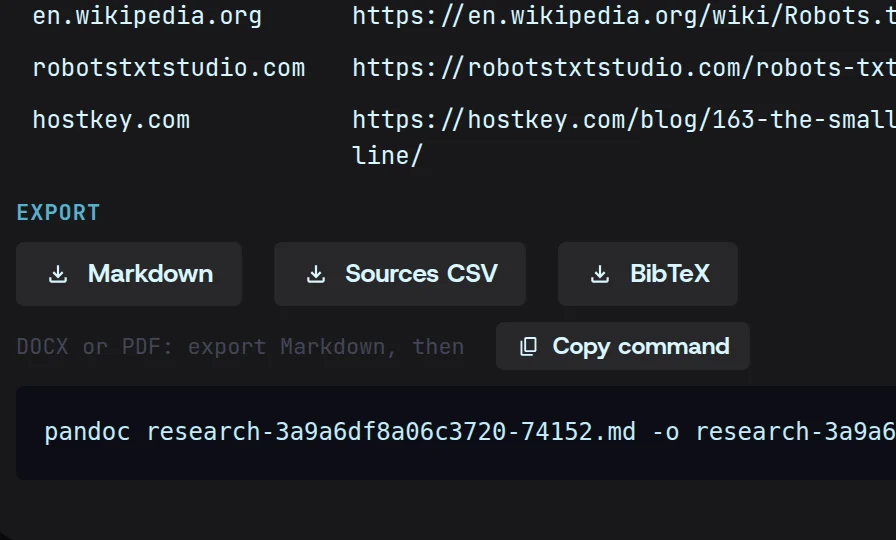
Read and export
Read the cited report, then export it wherever it’s needed.
Research, answered.
More in the docsWhich model writes the report?
The LLM you choose, called with your own API key directly from your machine. No markup, no credits.
Can I check where a claim came from?
Yes. Every claim carries a numbered citation. Open it to see the quoted passage, the snapshot it came from and the page itself.
Can I limit research to sources I trust?
Yes. Allow only the domains you trust, deny the ones you don’t, or prefer some over others. It can also read pages behind a login you’ve captured.