
The old way vs Magpie
A vendor review, or a download.
The old way
- Every scraping vendor means a security review, a data agreement and a quarter of waiting.
- Company data leaves the building to reach a scraper and comes back through someone else’s logs.
- Per-call pricing turns an internal tool into a budget line nobody wants to sign.
- When the vendor changes its terms, the tool your team depends on changes with it.
With Magpie
- Less to review. Magpie is a desktop app, and what it fetches is stored on the machine it runs on.
- No scraping vendor sits in the path. The only outside call is the model you chose, on your own key.
- A flat $49 a month per computer, with no per-call line to forecast.
- It keeps working the way it works today, because it runs on your hardware.
How it works
From a download to a backend your team can use.
01Run
Install it where the data should live
A desktop app on a laptop, or on a workstation the team shares. There is no server to provision.
02Serve
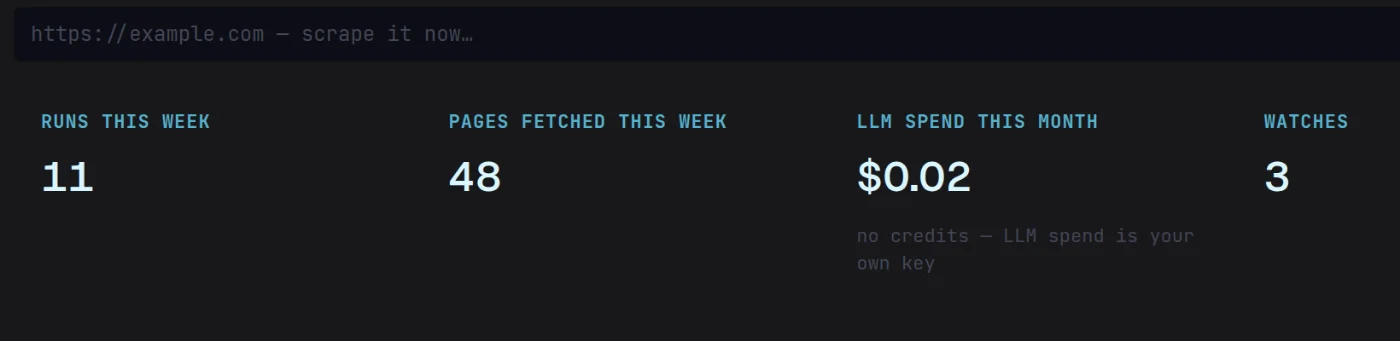
Switch on the local server
Magpie’s MCP server answers the tools on that machine, behind a token, and nothing outside it.
03Connect
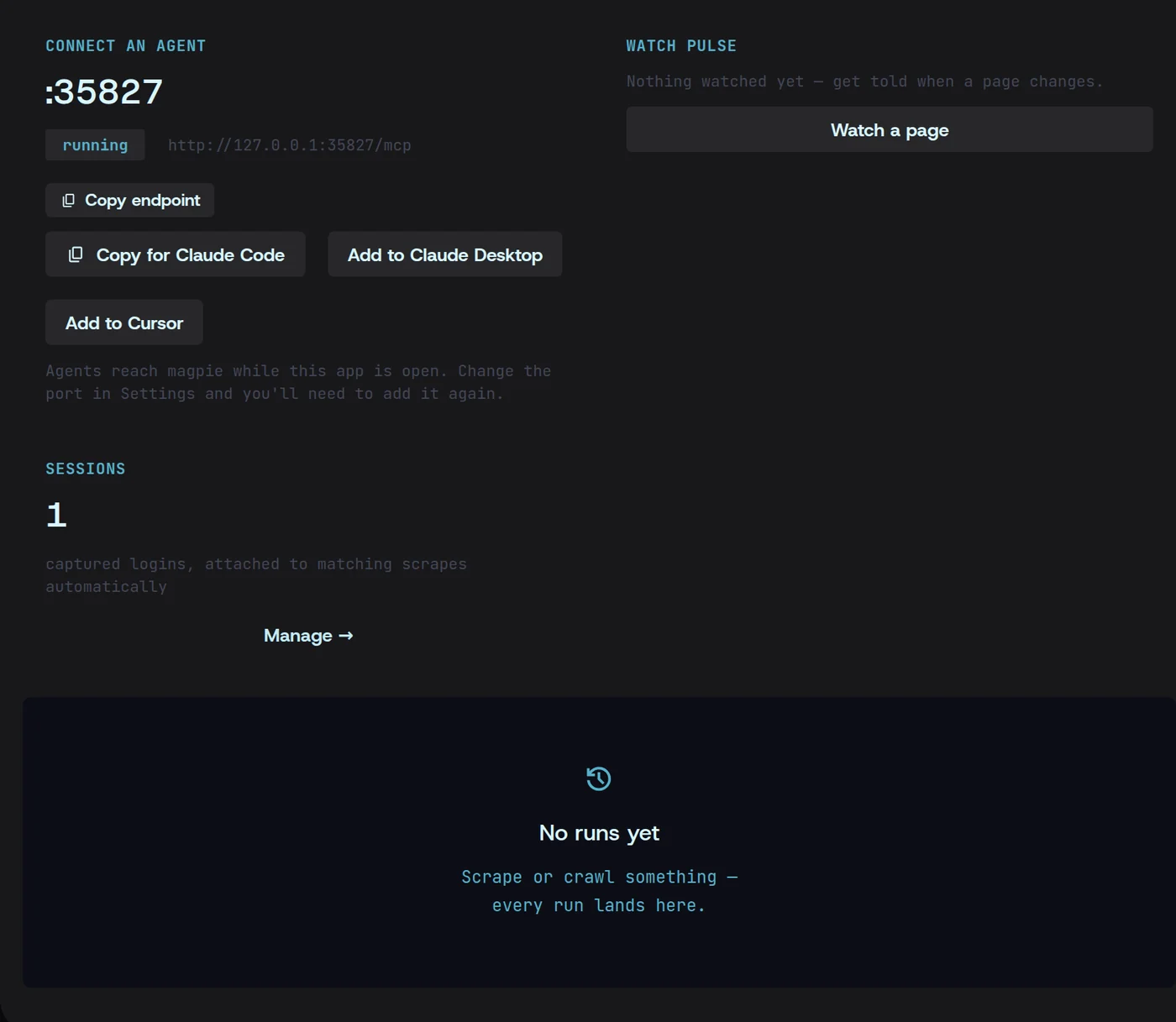
Point your own tools at it
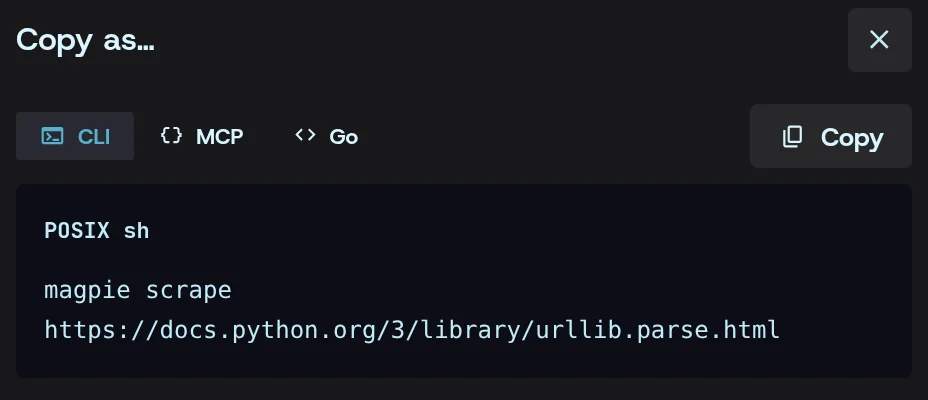
Assistants connect over MCP in one click. Scripts run the same engine from the command line — any run in the app copies as its command.
04Audit
Show the log
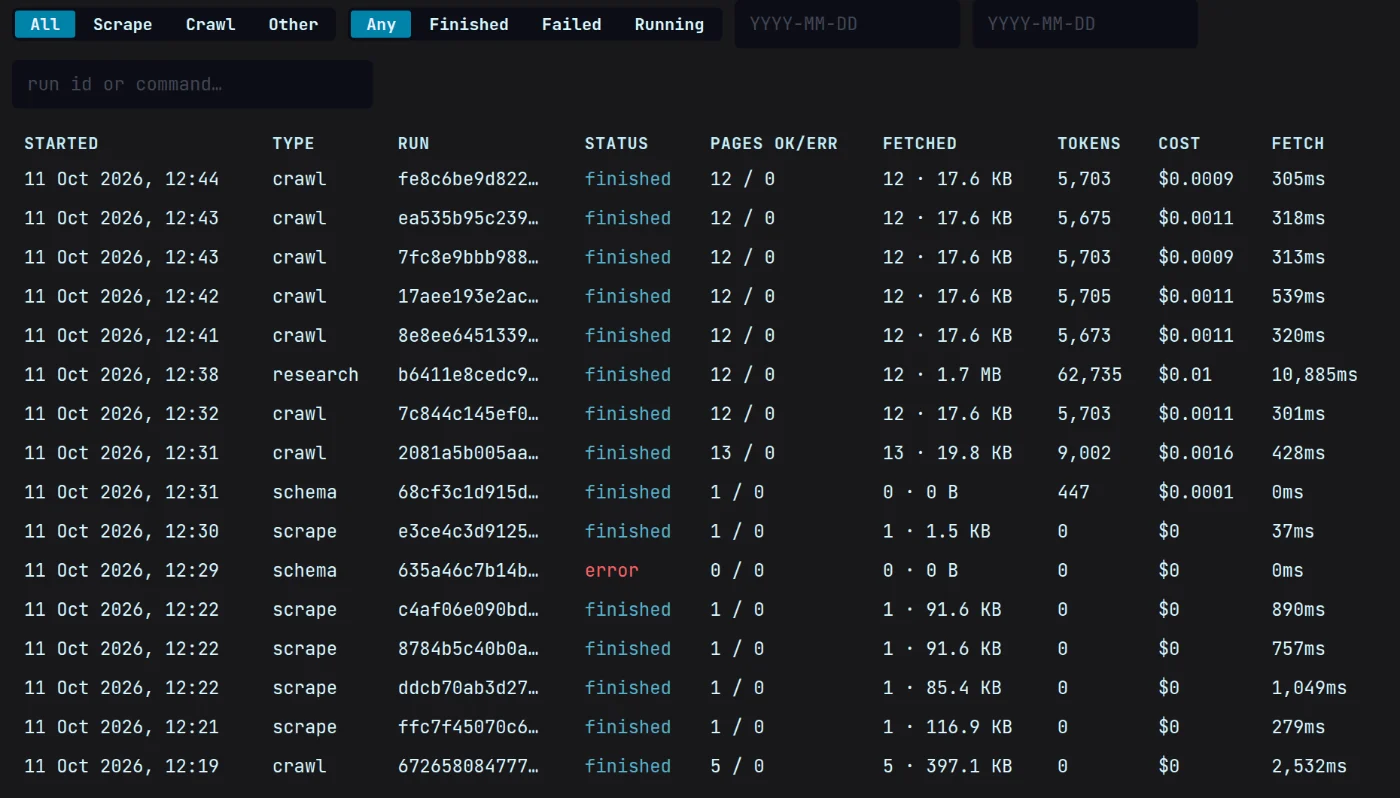
Every scrape, crawl and model call is logged with its time and its cost, so a review has something to read.
What you get
What your own tools receive
A short message your systems can act on: what changed, on which page, and when.
{ "type": "watch.changed", "timestamp": "2026-10-11T05:18:54.806715423Z", "data": { "watch_id": "6778c75e7e1e423b", "name": "Northwind pricing", "url": "http://example.com/pricing/", "old_hash": "e773c7ddbe202a1623ca682c3502f40c405de9c36cb4e19790ffc9e2e6791364", "new_hash": "2ac5bab806260cfc285e28f4c208ab8f9b41b90ac826f4242bade563f1487dec", "diff": "- $49\n+ $59\n+ Annual billing required above 50 seats.\n- 14\n+ 7\n", "words_delta": 6, "links_added": [], "links_removed": [], "checked_at": "2026-10-11T05:18:54Z" }}Questions
Internal tools, answered.
Do we have to open a port or run a server?
No. Magpie is a desktop app. The local server it offers runs on that machine only, and it is off until you switch it on.
What does the compliance review actually need?
Usually the answer to where the data goes. Pages are fetched by the machine running Magpie and stored on its disk. The only thing sent out is what you ask a model to read, on your own key, to the provider you chose — and History shows every run.
How does licensing work for a team?
$49 a month per computer, flat. There are no credits, no per-call charges and no usage to forecast.