
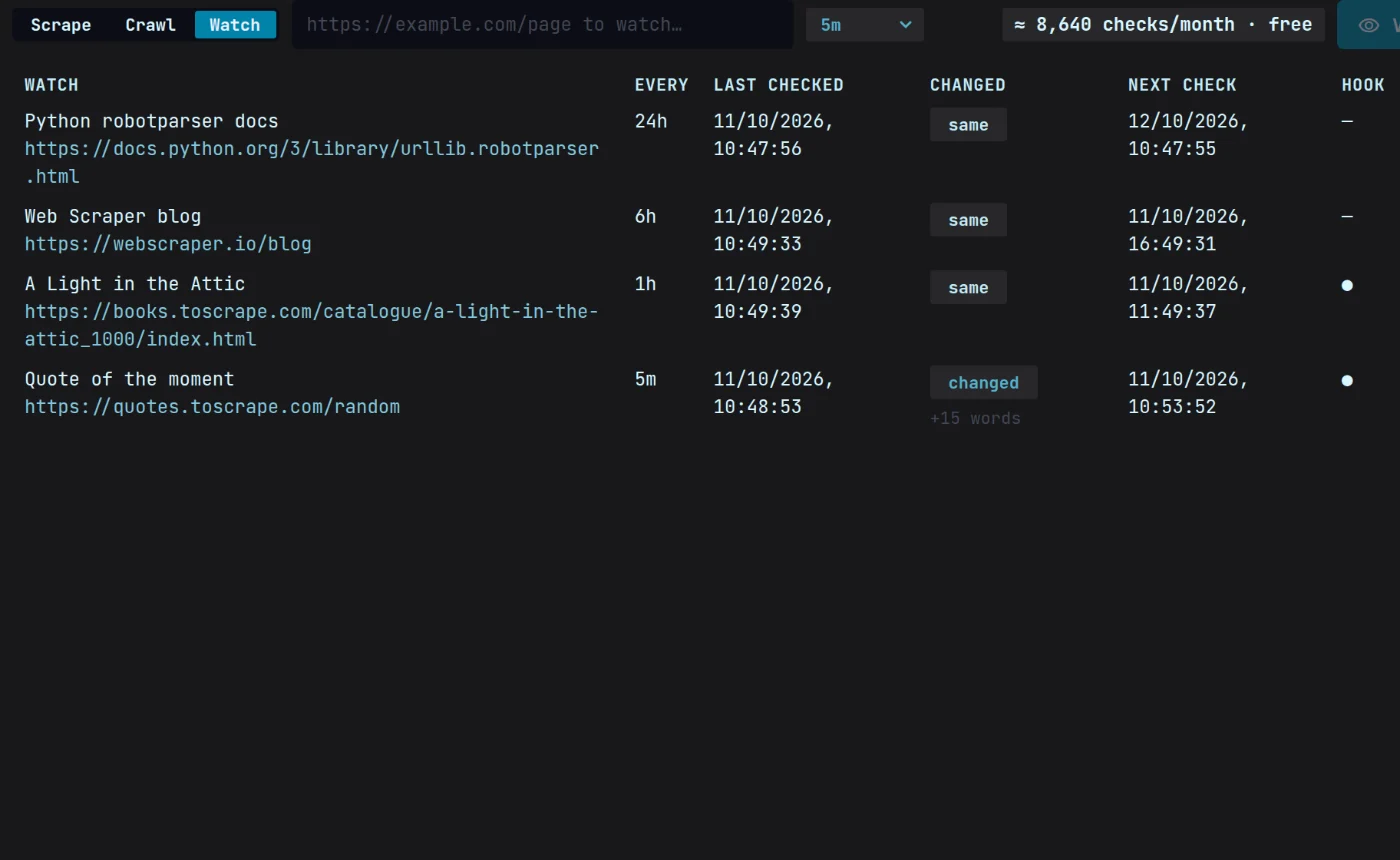
Change detection on your schedule.
Choose how often each page is checked. Every check is compared with the last, and anything that moved is flagged.
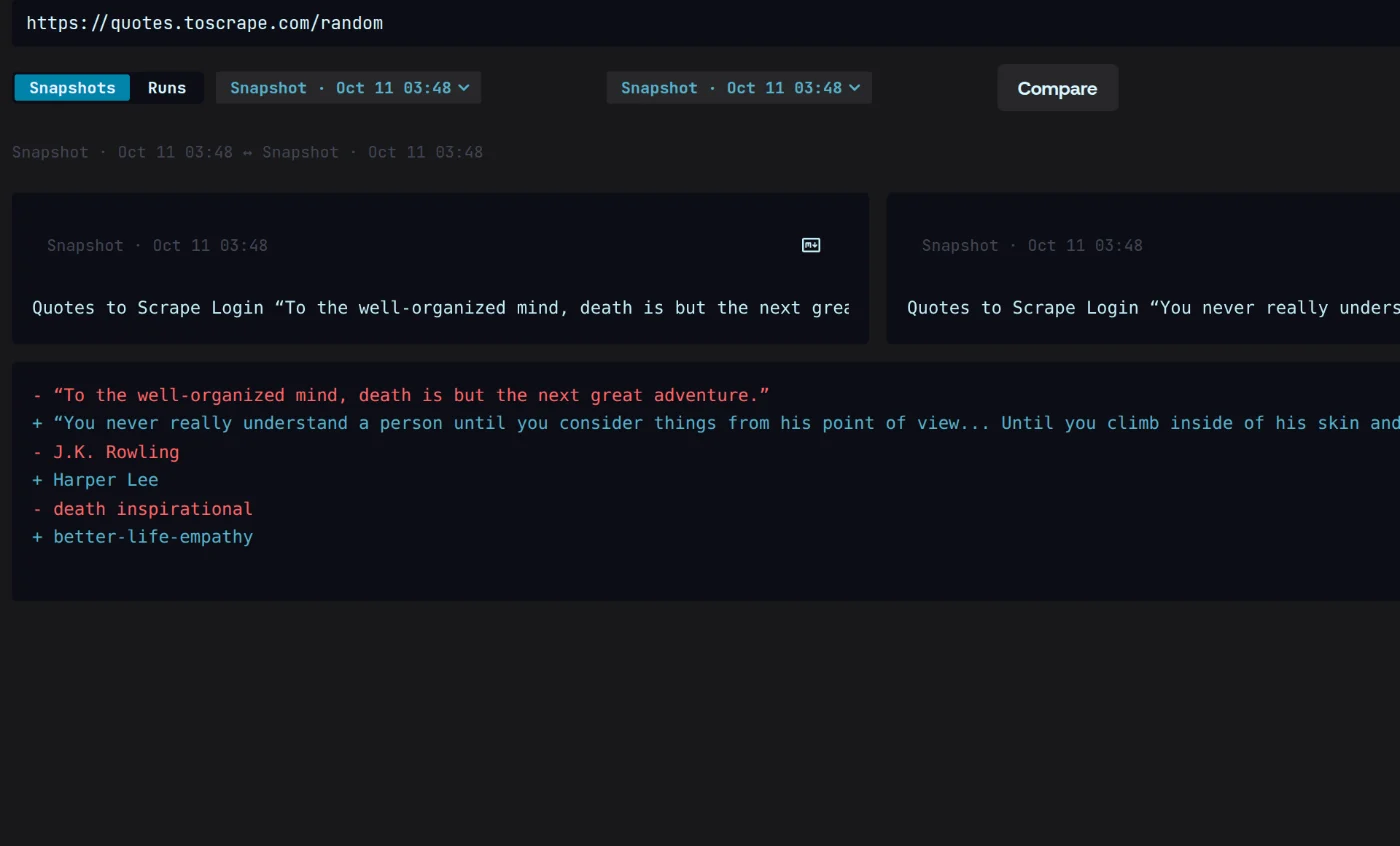
Diffs a person can read.
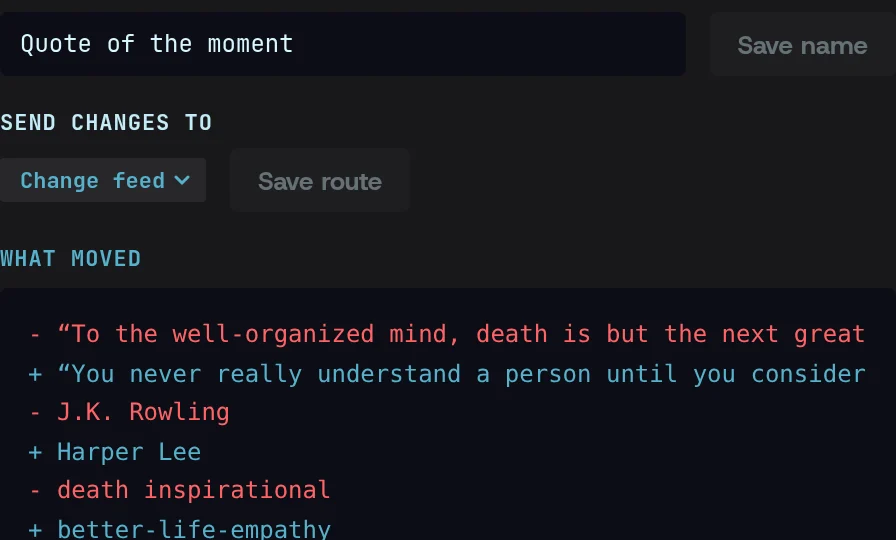
Changes show as added and removed text, not a wall of markup, so a price drop reads as a price drop.
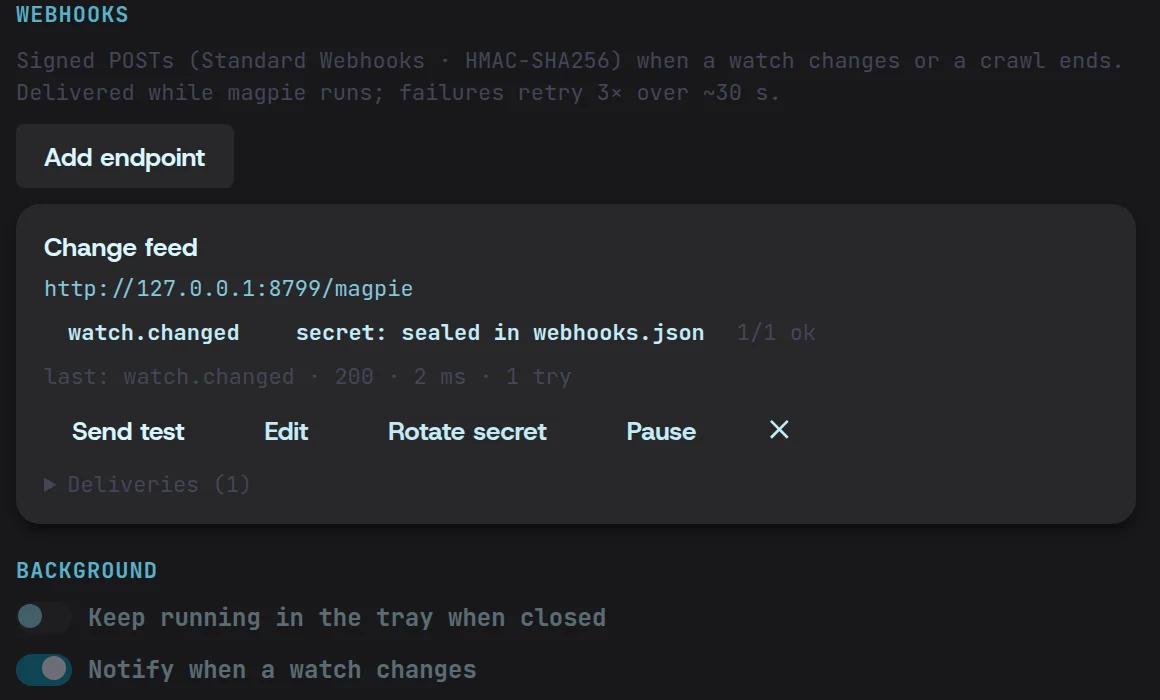
A webhook when it matters.
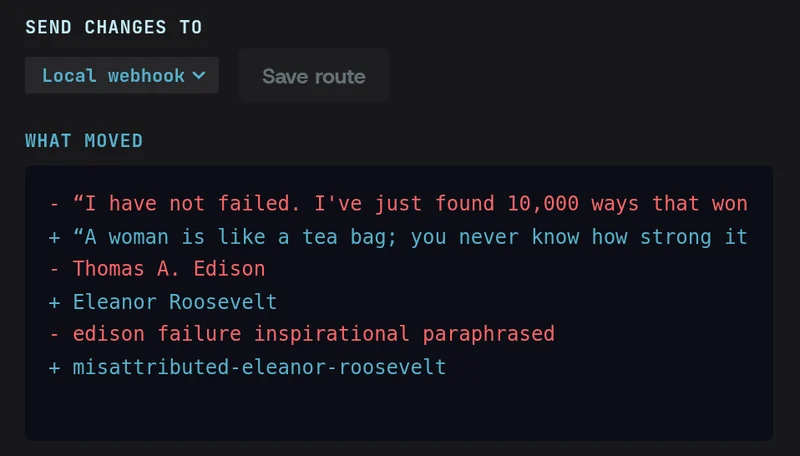
Magpie fires your webhook when a check finds a change, not on every check, and signs every request.
Set up a monitor in three steps.
- 01
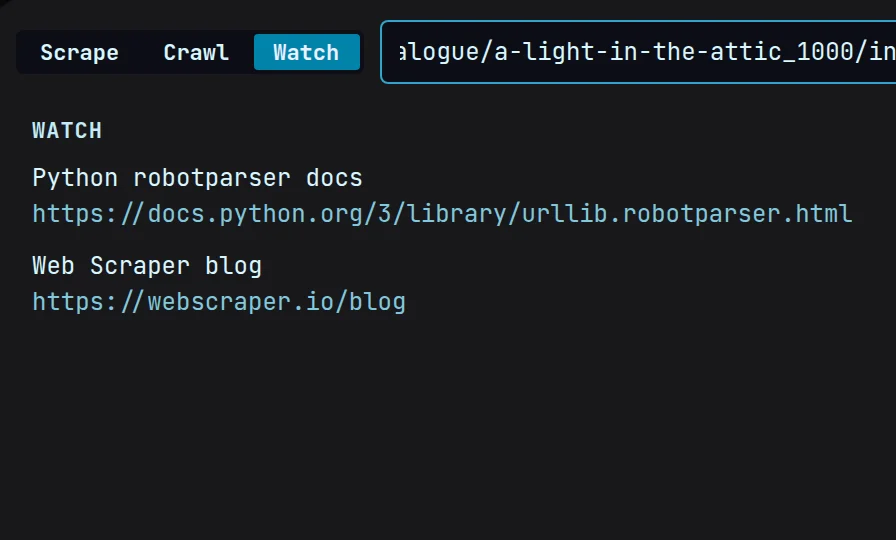
Pick a page
Paste the URL to watch. Magpie keeps a first snapshot to compare against.
- 02
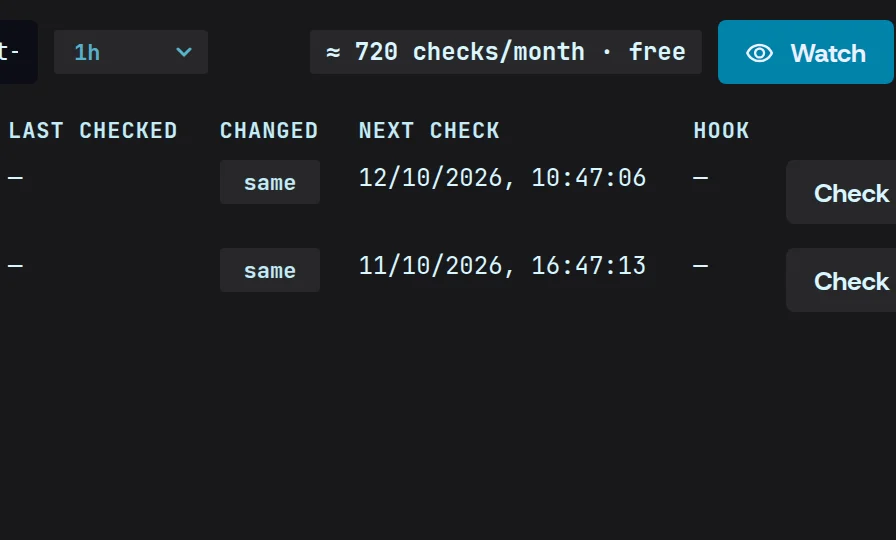
Set the schedule
Choose how often Magpie checks. Each check is compared with the one before.
- 03
Add a webhook
Point it at your endpoint. Every change Magpie finds is sent there, signed.
Monitoring, answered.
More in the docsWhat counts as a change?
Any difference from the previous check. The diff shows what was added and removed, and your webhook fires on every change it finds.
Where are the snapshots kept?
On your machine, in Magpie’s local store beside your other runs — Settings › Data shows the folder. Nothing is uploaded.
Is there a limit on watched pages?
No. Watch as many pages as you like. Checks run on your machine while Magpie is open or in the tray, so leave it running in the background for checks overnight.