
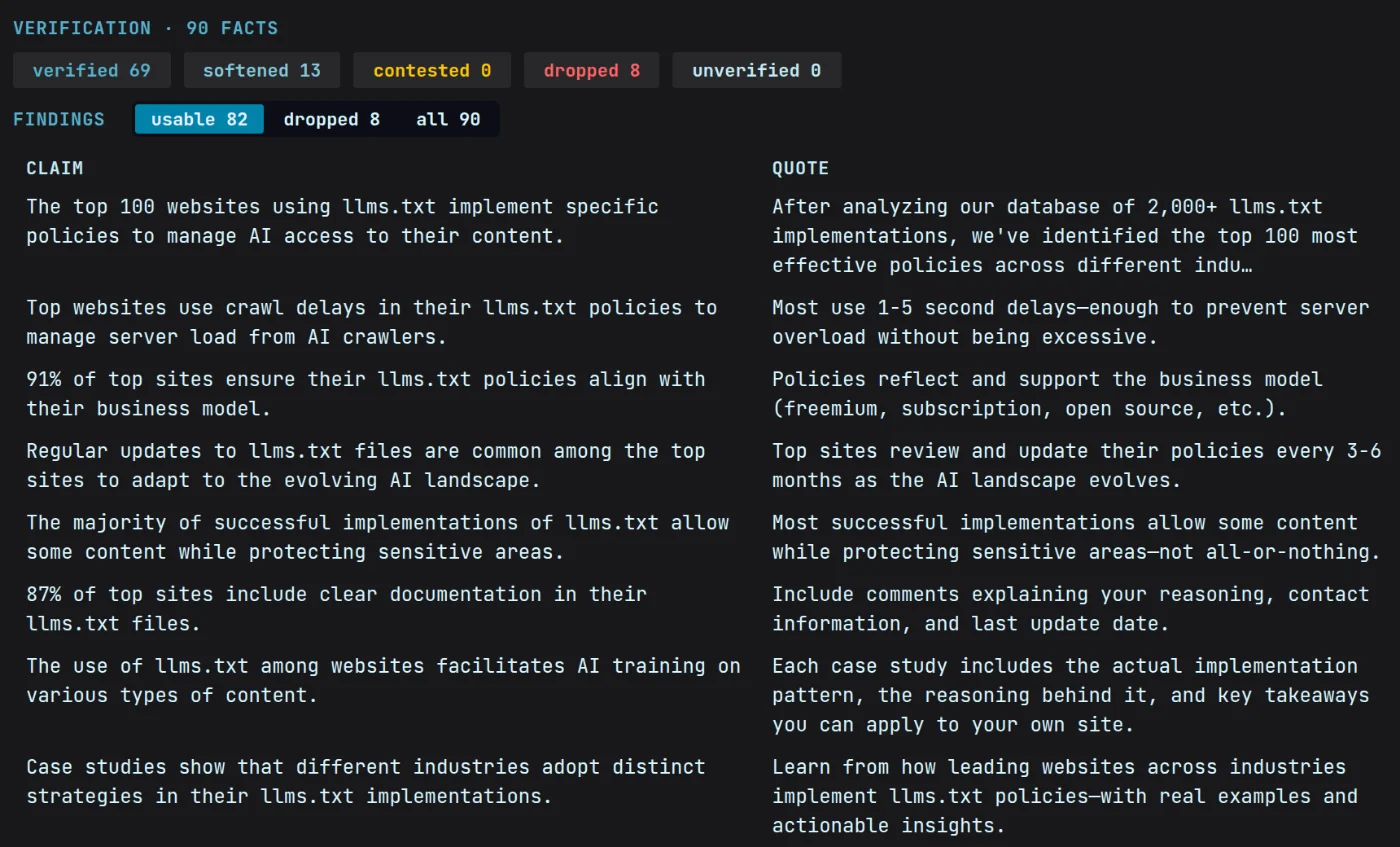
The old way vs Magpie
Sixty tabs, or sixty tidy files.
The old way
- Sixty tabs open, three of them the same article, and the one you needed is closed.
- You paste a quote into the doc and lose the link it came from.
- The clipper saves the cookie banner and the newsletter popup along with the article.
- Everything you save lives inside someone else’s subscription, and ends when it does.
With Magpie
- Hand Magpie a site or a question and every source comes back in the same shape.
- Each quote is kept with its page and the date it was checked.
- Magpie keeps the article and drops the furniture around it.
- The files are plain text in a folder on your disk. They outlive any subscription, this one included.
How it works
From sixty tabs to one tidy folder.
01Collect
Hand over a site, or a question
Let Magpie crawl a site and gather everything on it worth reading, or ask Research and it finds the sources itself.
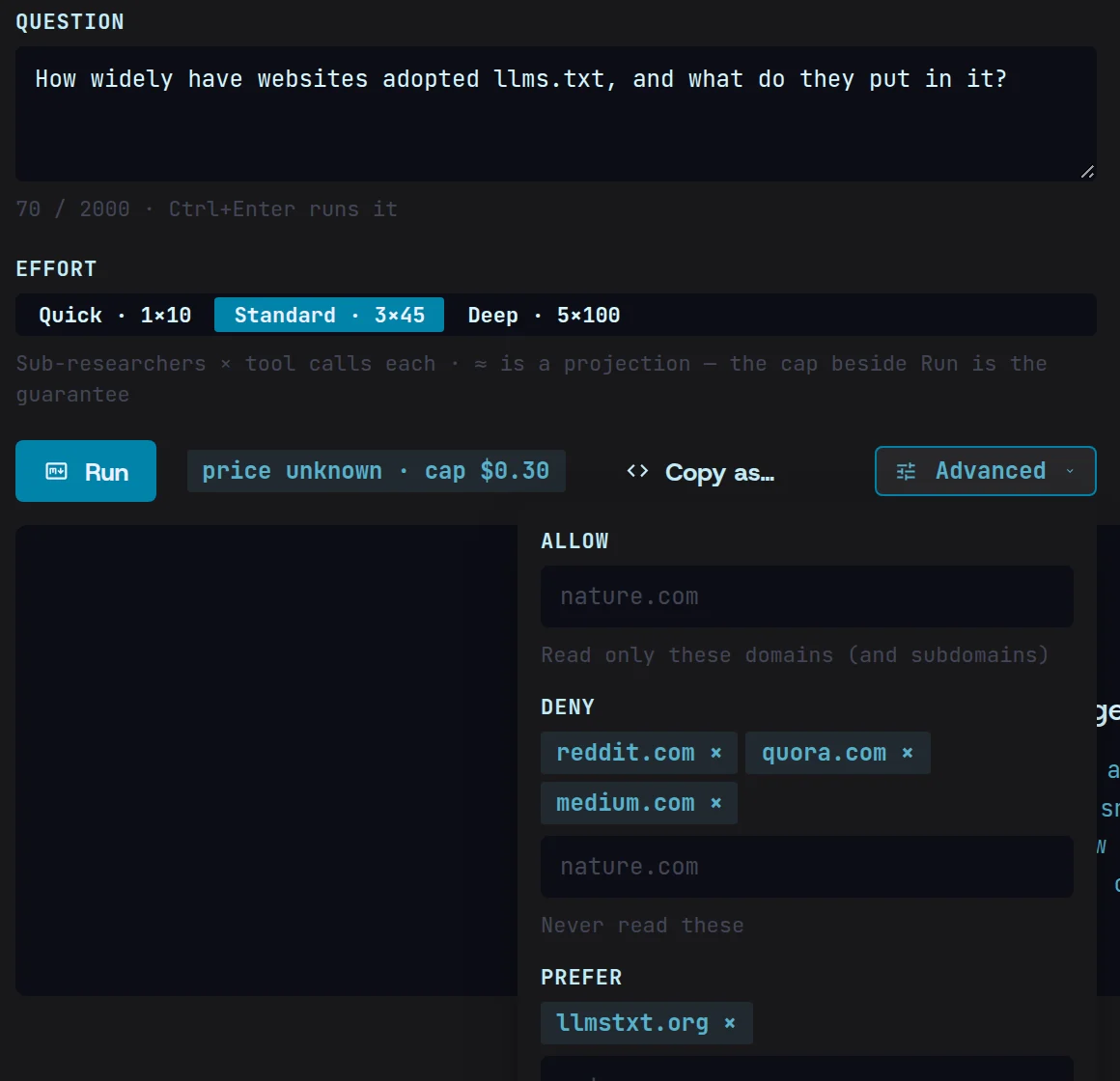
02Keep
Save the quote with its source
Research keeps the exact passage behind every claim, with its page and the date it was checked, automatically.
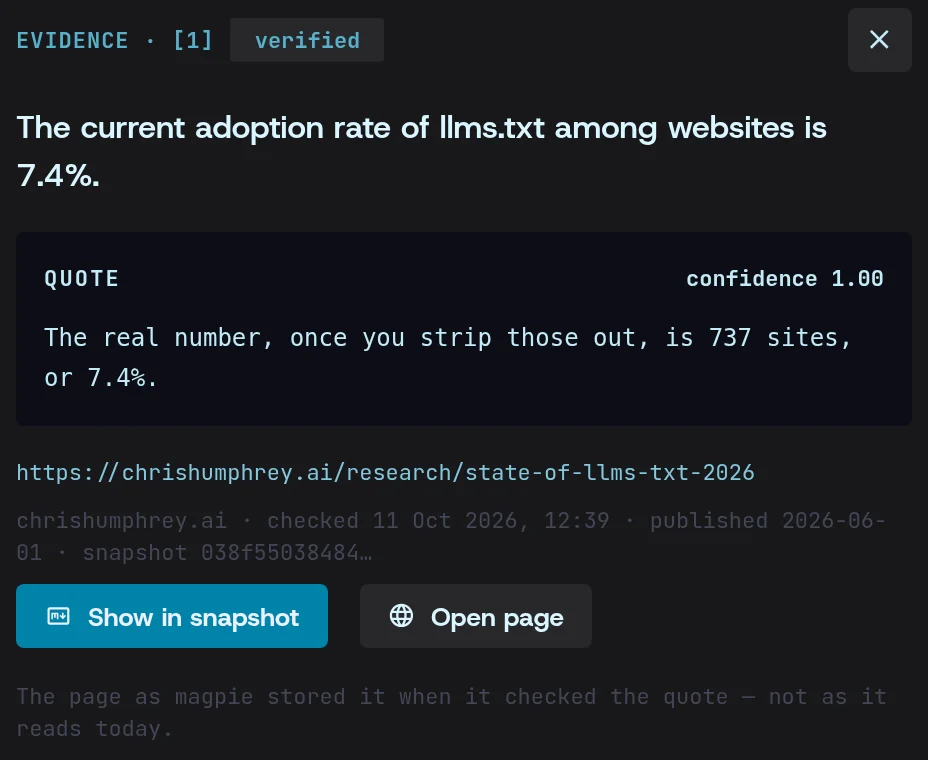
03Export
Take it into your notes
Export the whole set as Markdown, a sources spreadsheet or BibTeX, with the citations already written.
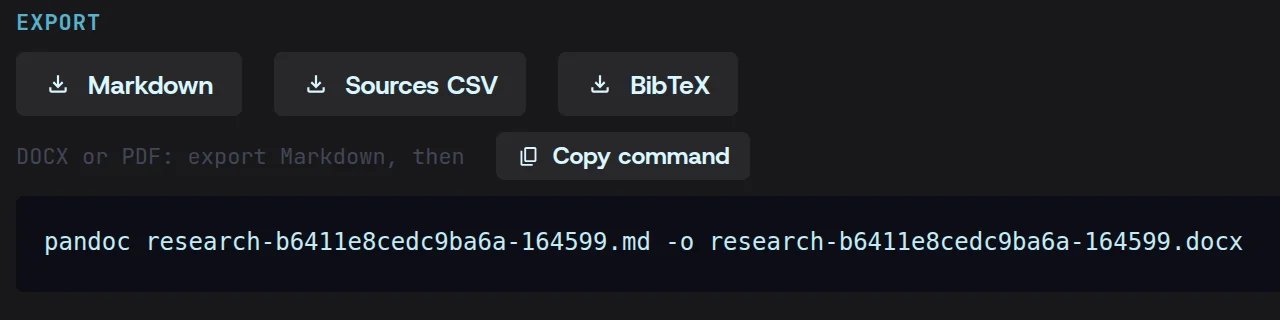
What you get
What a cited source looks like
Plain Markdown. The claim, the page it came from and the quote that backs it, in one place.
## How seats are countedNorthwind counts a seat once per person per month, on any number of devices.[^3][^3]: https://northwind.io/docs/billing — “A seat is counted once per person per month, however many devices they sign in from.” (checked 2026-10-09T09:14:22Z)Questions
Content gathering, answered.
Does it work on sites I have to log in to?
Yes. Sign in once in Magpie’s own browser window and it keeps that session for the run, the same way your browser does.
What format do I get?
Plain Markdown files — readable in any notes app, any editor, or just a text window. Nothing is locked in a format only Magpie can open.
What happens to my sources if I stop paying?
They stay. The files are already on your disk in an ordinary folder, and they keep working whether or not Magpie is installed.