
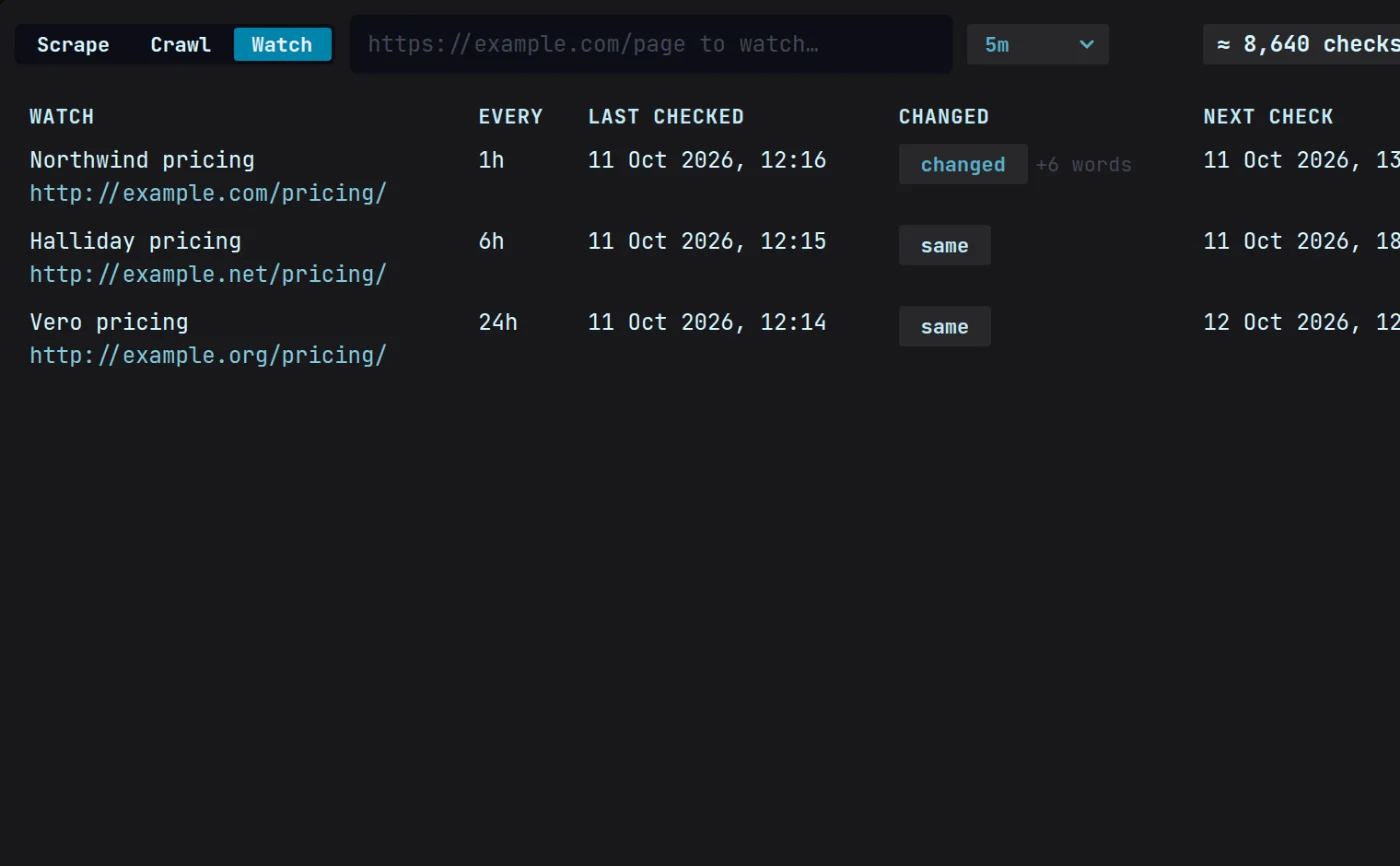
The old way vs Magpie
Checked every Monday, or checked every hour.
The old way
- Someone checks six competitor pages every Monday, when they remember.
- A price moved three weeks ago and the deck still quotes the old one.
- The alert tool fires on cookie banners and font changes, so nobody reads the alerts.
- Monitoring services bill per page per month, so you watch the cheap handful.
With Magpie
- Magpie checks every page on the schedule you set and never forgets a Monday.
- You hear the day it changes, with the old number beside the new one.
- It compares the words on the page, not its code, so a restyle or a new script is never a change.
- Flat $49 a month, so watch six pages or six hundred.
How it works
From a pricing page to a message where you work.
01Watch
Add the pages
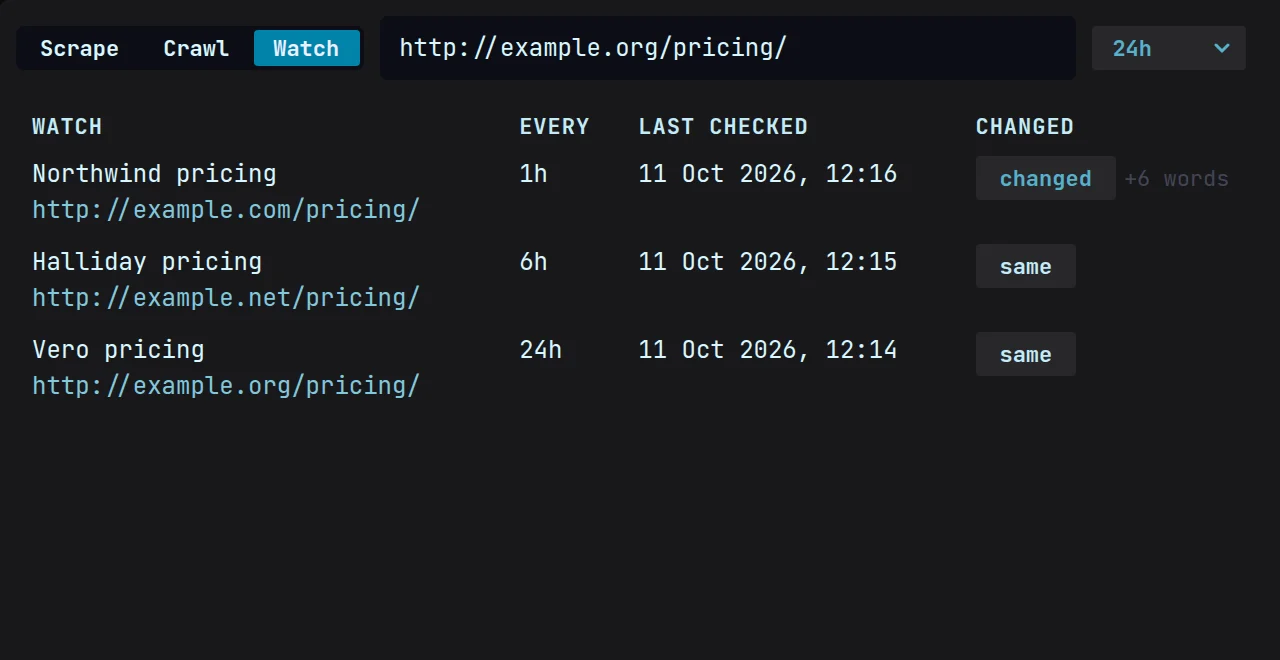
Paste the pricing pages you want to keep an eye on, and pick how often each one is checked.
02Compare
Magpie checks, and compares
Every check is held against the last one. What moved is shown in plain language, not raw page code.
03Notify
Get told where you work
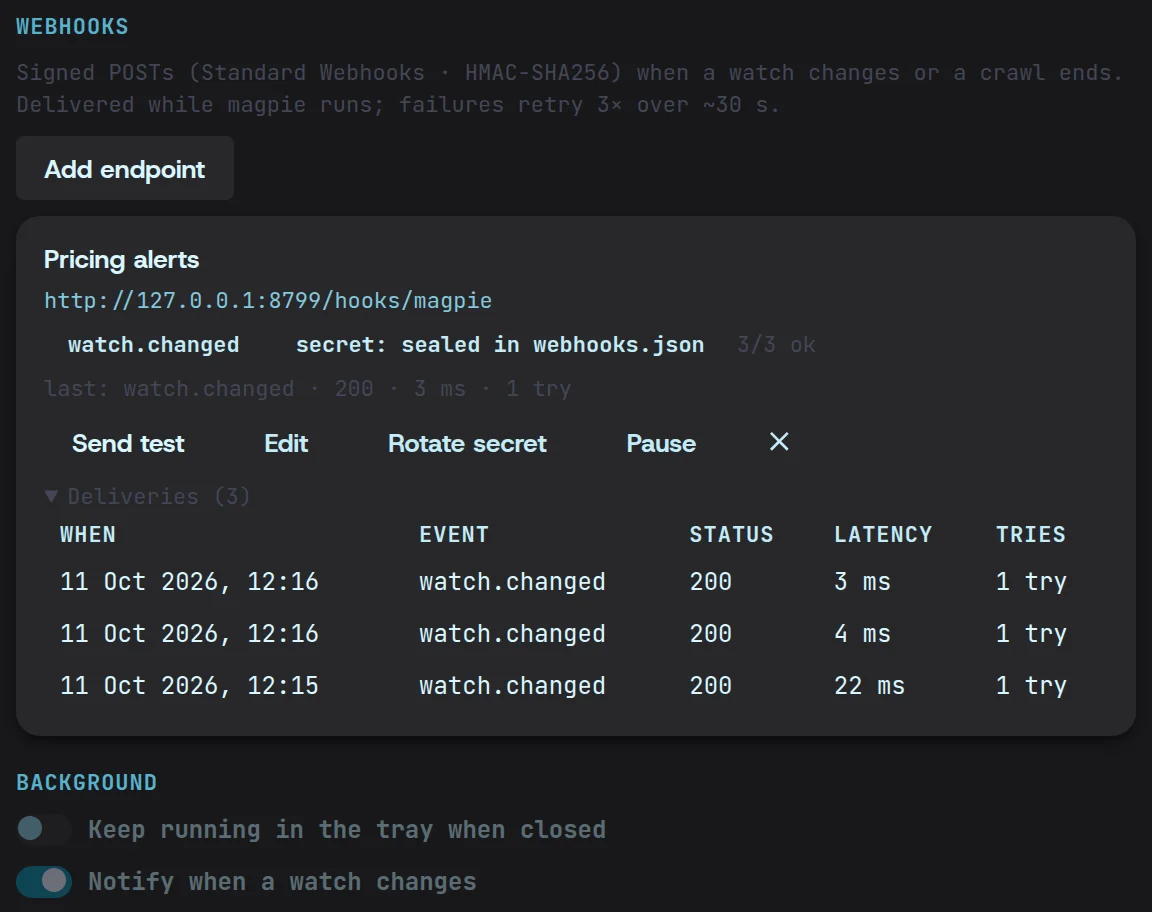
Get a desktop notification, or send each change as a signed webhook to n8n, Zapier or a server of your own.
What you get
What a change looks like
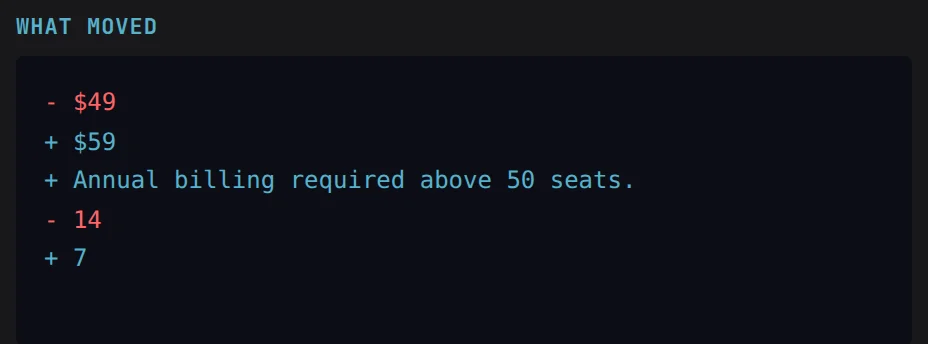
The old value beside the new one, in words you can paste into a message.
- $49+ $59+ Annual billing required above 50 seats.- 14+ 7Questions
Price monitoring, answered.
How often does it check?
As often as you choose, page by page — every five minutes, every hour, once a day, or any number of minutes you set. Checks run on your computer while Magpie is open or in the tray, so there is no per-check fee.
What stops it alerting on every tiny edit?
Magpie compares the words on the page, not its code, so a restyle, a new script or a tracking tag is never a change. When the words do change, the diff shows exactly which ones.
Where is the history kept?
On your machine, with every other snapshot Magpie takes. You can look back at any earlier version of a page without asking anyone’s permission.